


Make Your PC Faster in 2025: 3 Free Fixes That Actually Work
By Stefan @ WeDoTech
Feeling Sluggish? Let's Fix That.
Is your laptop or PC painfully slow in 2025? You are not alone. From background apps to a bloated drive, even a solid machine can start to crawl with modern software updates.
The good news? You can reclaim that lost speed without spending a cent. Below, we walk through three simple, free tweaks-plus one bonus hardware upgrade-that can have your PC feeling brand new.
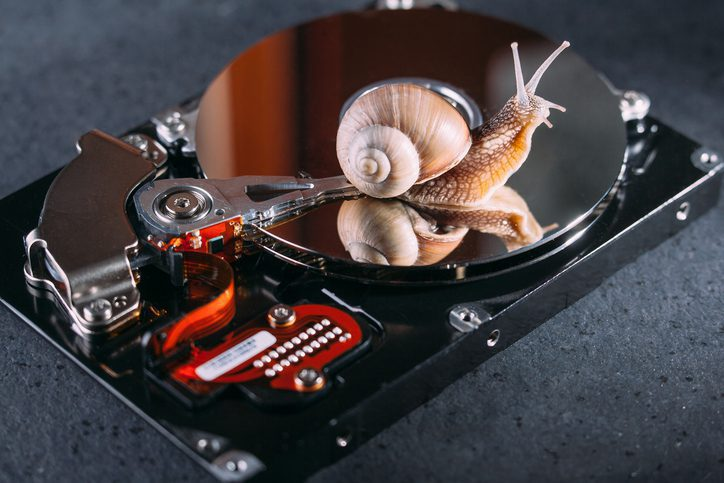
Step One: Give Your Drive Some Breathing Room
Let's start with the most overlooked issue: a full drive. When your storage is in the red, your system can't cache or move data efficiently, and performance tanks. Think of it as trying to sprint in a crowded room.
The Fix: Delete unused files, uninstall old programs, and empty your recycle bin. If you have no idea where all that space has gone, try a free utility like TreeSize Free to give you a better view on what's devouring your storage. Try to maintain at least 10-15% of your drive space free — it's the easiest way to speed up your PC instantly.

Step Two: Stop Shutting Down — Start Restarting
This one may surprise a lot of people: shutting down your PC doesn't fully clear memory, often preserving session data to help with faster boot times. A restart, however, will reset your system memory, or RAM, to give your machine that fresh, crisp feeling again.
The Fix: Instead of clicking Shut Down every few days, click Restart. It clears out temporary data and reinitializes all background processes. It's like a good night's sleep for your computer, too.
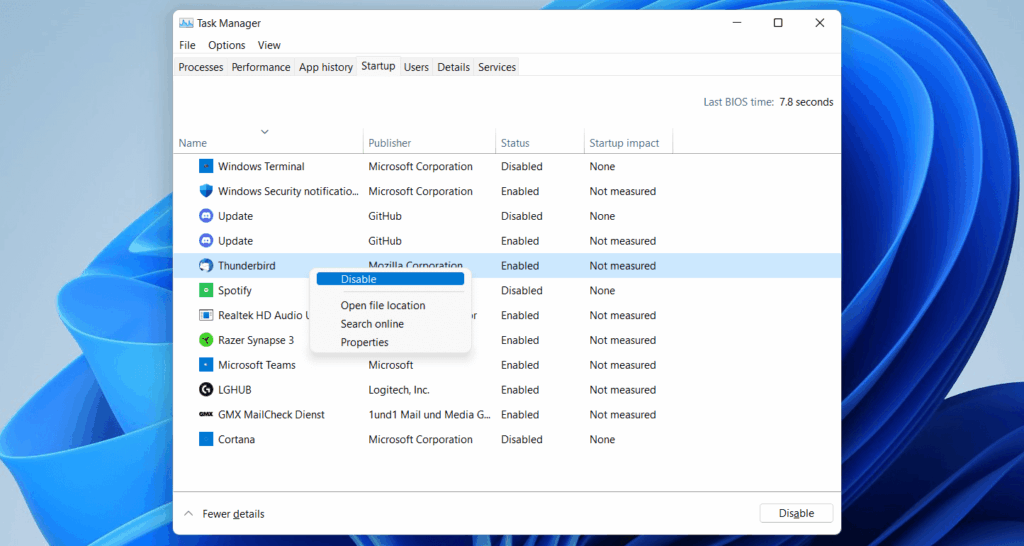
Step Three: Disable Startup Junk
If it takes your computer forever to boot, then you know that startup apps are probably the culprit. Over time, software silently installs itself into your startup list, taking that precious RAM and CPU before you can even open Chrome.
The Fix: Press Ctrl + Shift + Esc to open the Task Manager. Head to Startup Apps and disable everything you don't need the moment your computer boots up, such as Spotify, Discord, or game launchers. Just beware, disabling some critical system processes (usually marked by Windows) should generally be avoided to avoid running into issues but in most cases wont cause any harm.
That single step can save you minutes in startup time and reclaim precious RAM in an instant.
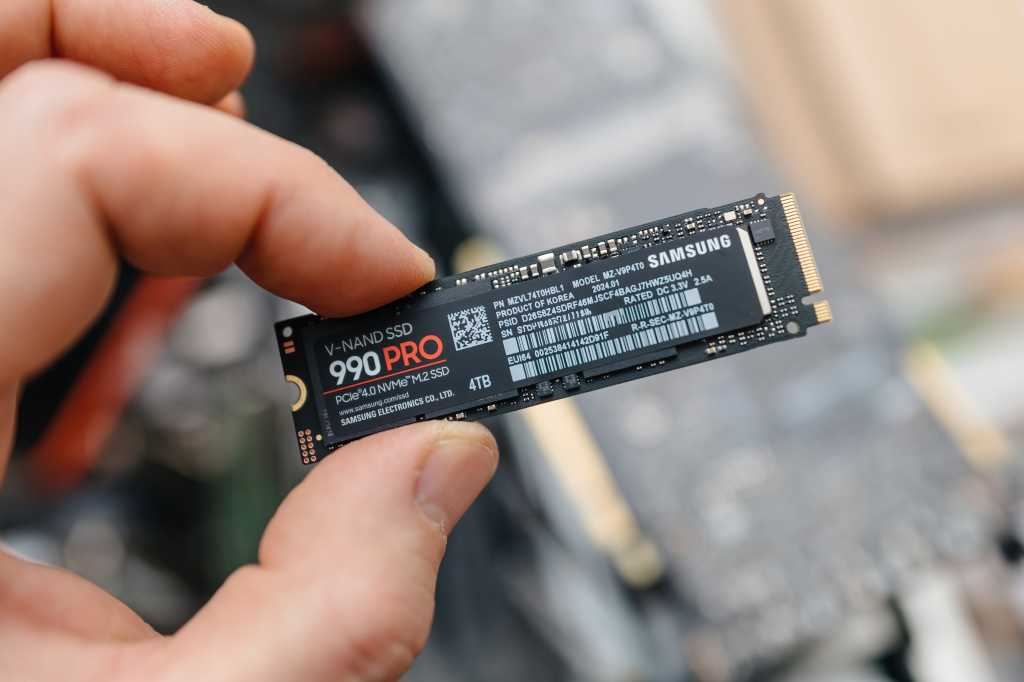
Bonus Tip: Upgrade to an SSD: It’s Worth It
Okay, this one isn't free, but it is the cheapest way to supercharge your system if all else fails. If you're still running a traditional HDD, then you are bottlenecking your performance. Modern SSDs are exponentially faster, quieter, and more reliable.
The Fix: Replace your HDD with an SSD. Even a simple SATA SSD will get Windows up and running in seconds, not minutes. If you’re comfortable with tools, cloning your old drive is a weekend project worth doing.
Summary: Keep It Lean, Keep It Clean
Let's face it, most performance problems aren't due to hardware becoming outdated; they are due to neglect. Clear your storage, restart correctly, and stop unrequired applications from hijacking your startup. With that and an SSD, you'll be making your PC faster than you'd believe possible in 2025.
Small habits add up. Treat your system like it's got potential, and you'll feel the difference every time you power up.
If you found this helpful and want to read up on TreeSize Free and how to use it, you can find it here.
Stefan | WeDoTech
“We spend the money, sometimes waste it. So you don’t have to.”