
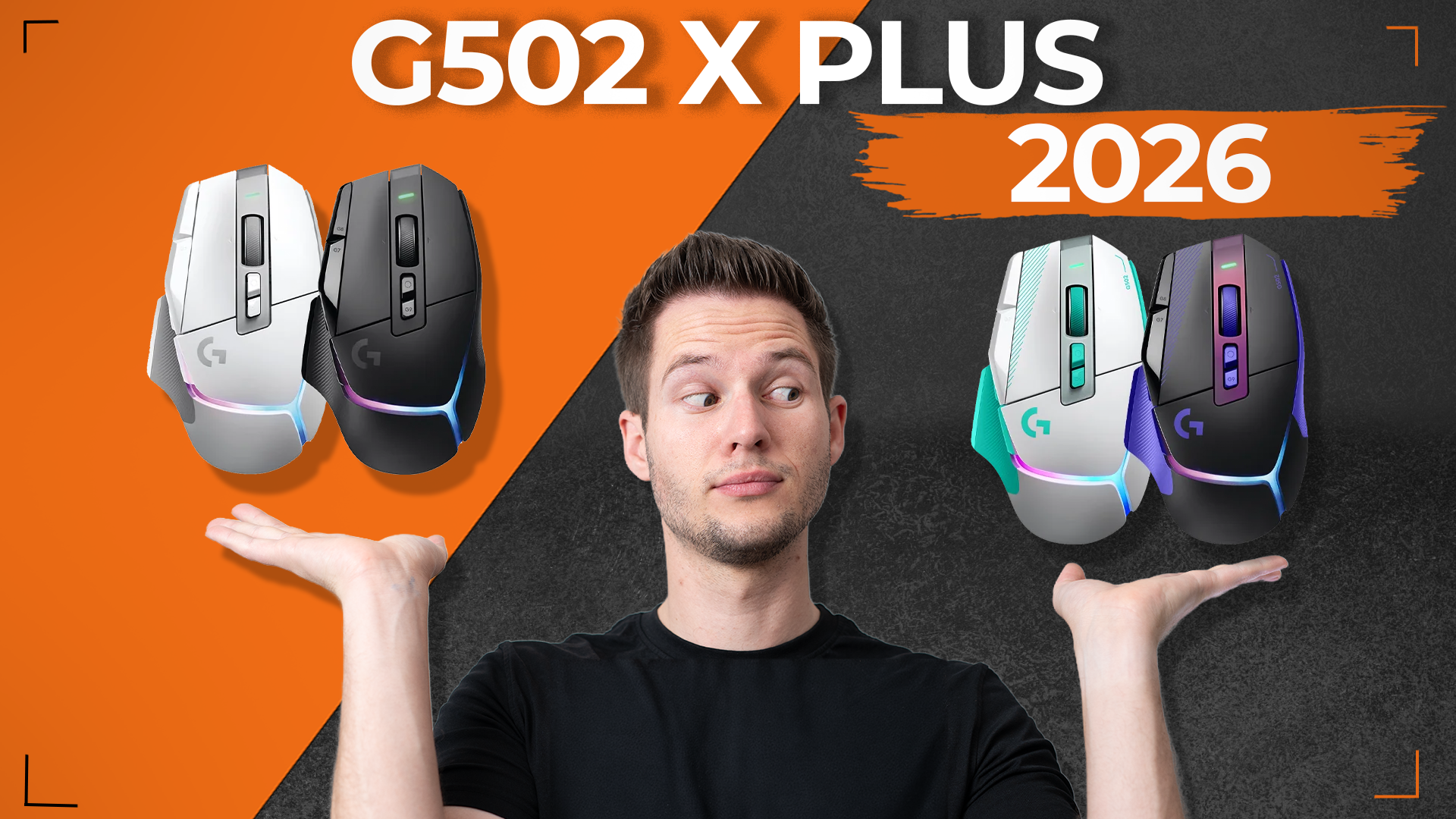

G502 X Plus in Dark Lilac and Mint: Same Mouse, New Look
By Stefan @ WeDoTech
Logitech did not rebuild its best-selling gaming mouse. It gave it a fresh coat of paint, and that might be all it needed.
Logitech just released the G502 X Plus again. Is there a new body? No. A bigger battery? Also no. What you get is the same G502 X Plus many gamers already know, now in two new colorways.
If it is not broken, do not fix it, right? That seems to be Logitech’s thinking here, and for a mouse this popular, it is hard to argue with.
What Logitech Actually Changed
The new colors were announced as part of Logitech G PLAY 2026, the company’s annual showcase, where it revealed fifteen new products alongside a long list of smaller updates. The G502 X Plus refresh was one of those smaller updates.
There is one technical change, but it is not exclusive to the new colors. Logitech confirmed a firmware upgrade that raises the HERO sensor’s resolution to 44,000 DPI on the G502 X Plus and G502 X LIGHTSPEED. The new colorways ship with that HERO 44K configuration out of the box, and existing owners can install the same upgrade for free through Logitech G HUB.
So while the spec sheet now reads HERO 44K instead of HERO 25K, nobody needs to buy a new mouse to get it. In practice, the hardware is the same mouse that launched in 2022. The only thing that requires a new purchase is the look.
Two Colorways, Two Moods
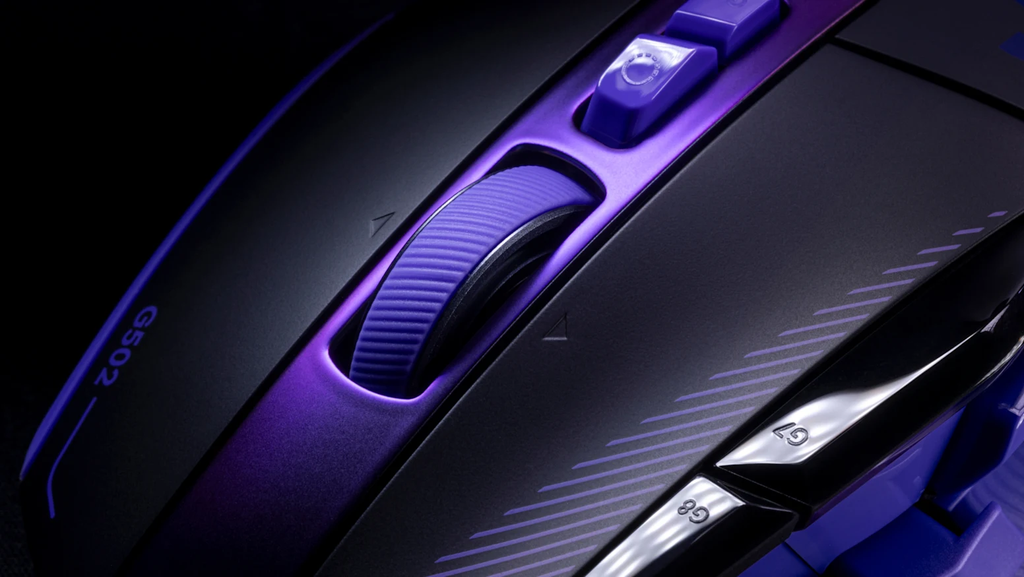
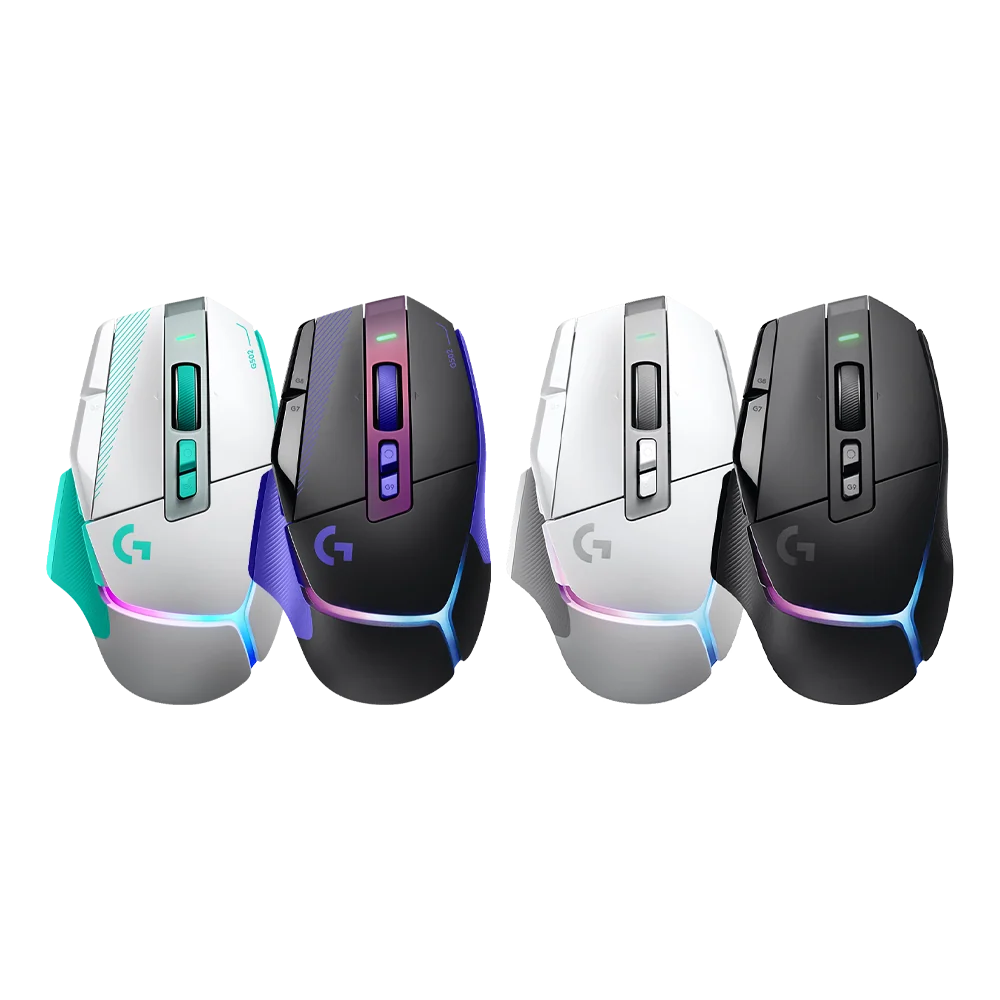
The first new option is black and purple, listed as Black/Purple by some retailers and as Dark Lilac in other regions. The sides and underside are a light purple, with matching accents on top. The standout detail is the middle section around the scroll wheel, which has a blue-to-purple pearlescent finish that shifts as the light hits it. It has a slightly spooky, playful vibe that reminded us of Gengar. It looks great in person.
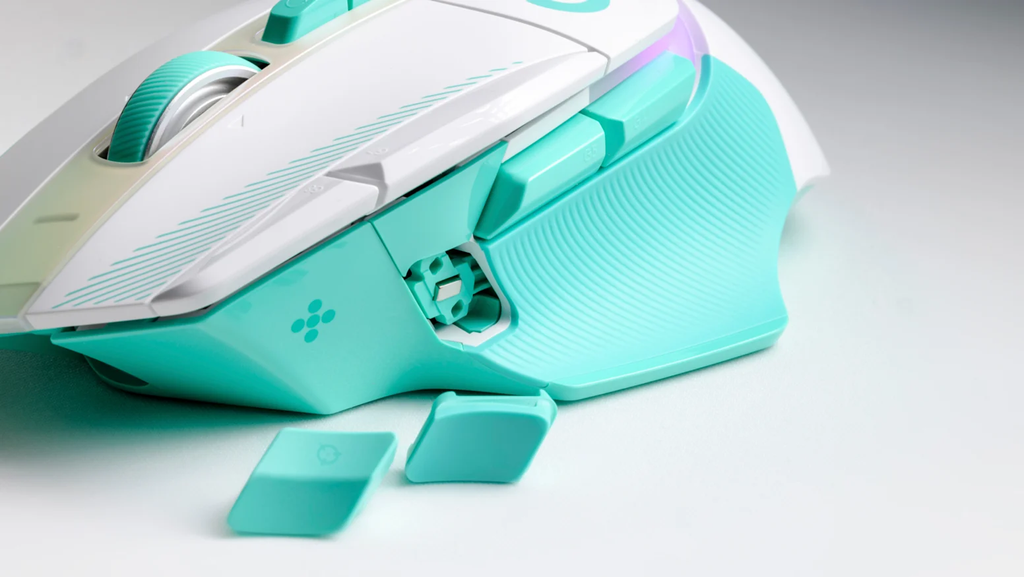
The second option is white with mint green accents, which Logitech calls Mint Green. Think of it as the light mode version of the purple model. The color combination works well overall, but the pearlescent section on this one shifts from pink to green, and that is where opinions will split. We are not fully sold on it, but this is a personal taste call, and some buyers will love it.
Underneath the paint, nothing has changed. Here is what you get:
- Sensor: HERO 44K (via firmware), up to 44,000 DPI
- Switches: LIGHTFORCE hybrid optical-mechanical primary switches
- Wireless: LIGHTSPEED 2.4GHz with USB-C charging
- Lighting: 8-zone LIGHTSYNC RGB
- Buttons: 13 programmable controls, including the signature tilting scroll wheel and removable DPI shift button
- Battery: up to 130 hours with RGB off, or 37 hours with RGB always on
- Weight: 106g
- Charging extras: compatible with Logitech’s POWERPLAY wireless charging (sold separately)
That is still a strong package. The LIGHTFORCE switches combine the speed of optical switches with a crisp mechanical feel, and the G502 shape remains one of the most comfortable designs for palm grip players with medium to large hands.
Where the Refresh Falls Short
For anyone hoping for a true G502 X Plus successor, this is not it.
The battery has not changed, so with RGB lighting left on you are still looking at around 37 hours between charges. That is fine for most people, but rivals have moved ahead.
Weight is another point. At 106g, the G502 X Plus is heavy by modern standards, especially next to the ultralight mice now common in competitive shooters. Fans of the G502 often like that heft, but it is not for everyone.
There is also no Bluetooth, which limits how useful it is as a mouse that moves between a gaming PC and a work laptop.
Finally, availability is a little unclear. At the time of writing, we could not confirm US pricing or stock for either new colorway on Logitech’s US store. The color refresh launched in Japan on October 15, and other regions are rolling out separately. The G502 X Plus carries a $159.99 US list price, and Logitech has been selling it for $149.99 on its own store.
G502 X Plus vs Razer Basilisk V3 Pro 35K
The closest rival is Razer’s Basilisk V3 Pro 35K, another feature-packed, right-handed wireless mouse aimed at the same buyer.
- Price: both list at $159.99
- Sensor: HERO 44K vs Razer Focus Pro 35K
- Weight: 106g vs 112g
- Battery: up to 130 hours (RGB off) vs up to 140 hours on 2.4GHz and 210 hours on Bluetooth
- Connectivity: 2.4GHz only vs 2.4GHz, Bluetooth and wired
- Wireless charging: POWERPLAY mat vs Razer’s Qi-based dock
The Basilisk V3 Pro 35K wins on flexibility. Bluetooth support and longer battery life make it the better pick for anyone who wants one mouse for gaming and work. Its free-spinning HyperScroll wheel is also excellent for long documents.
The G502 X Plus wins on feel and familiarity. The LIGHTFORCE switches are among the best clicks in the business, it is slightly lighter, and the G502 shape has a loyal following for good reason. It is also the more interesting looking mouse right now, thanks to these new colorways.
Our verdict: if you need Bluetooth, get the Razer. If you love the G502 shape and want a mouse with more personality, the G502 X Plus is the better buy.
Final Thoughts
This is not a new mouse, and Logitech is not pretending it is. The G502 X Plus already had excellent switches, great lighting and a proven shape, and the free HERO 44K upgrade means current owners lose nothing by skipping this refresh.
What the new colors do is give the G502 X Plus some personality. The Black/Purple model is a clear winner in our eyes, while the Mint Green version will come down to how you feel about that pink-to-green shimmer. If you have been on the fence about buying a G502 X Plus, this is a good excuse to finally pick one up. If you already own one, update the firmware and enjoy the free sensor upgrade.
For more on gaming peripherals that push design in bolder directions, read Strike Alloy: MSI’s Wildest Keyboard Yet.