
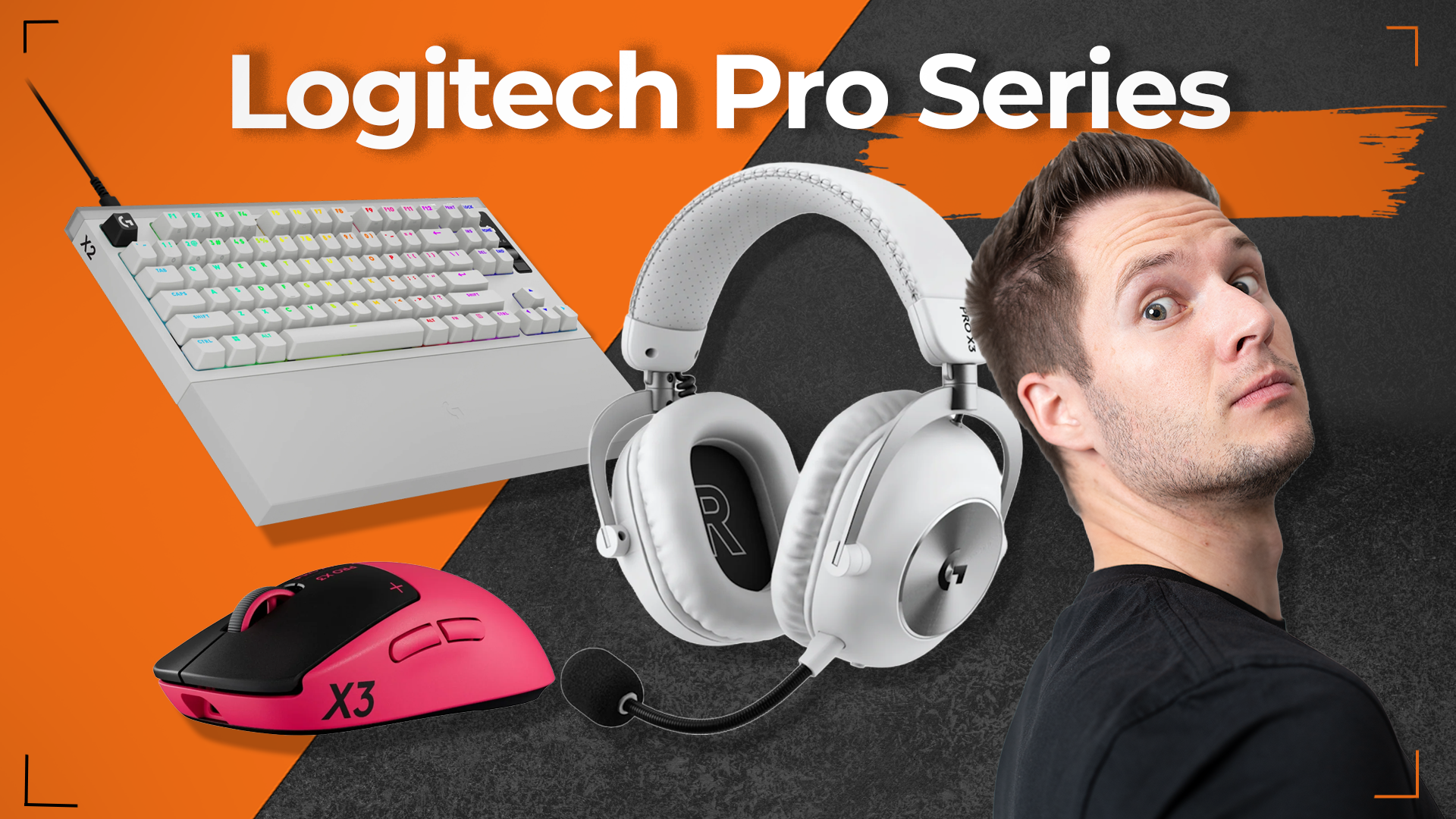

Logitech PRO Setup: No More Blaming Your Gear
By Stefan @ WeDoTech
Logitech packed every competitive advantage it could into one mouse, one keyboard and one headset. If you still lose, it might not be the gear.
With its latest Logitech PRO Series lineup, Logitech has taken the classic "my peripherals made me lose" excuse very personally.
The new PRO X3 SUPERSTRIKE mouse, PRO X2 RAPID keyboard and PRO X3 LIGHTSPEED headset are what happens when you take every possible esports advantage and pack it into one setup. If you buy all three and still keep losing, there are only two explanations left. It is either you, or it is your team. Obviously, it is your team.
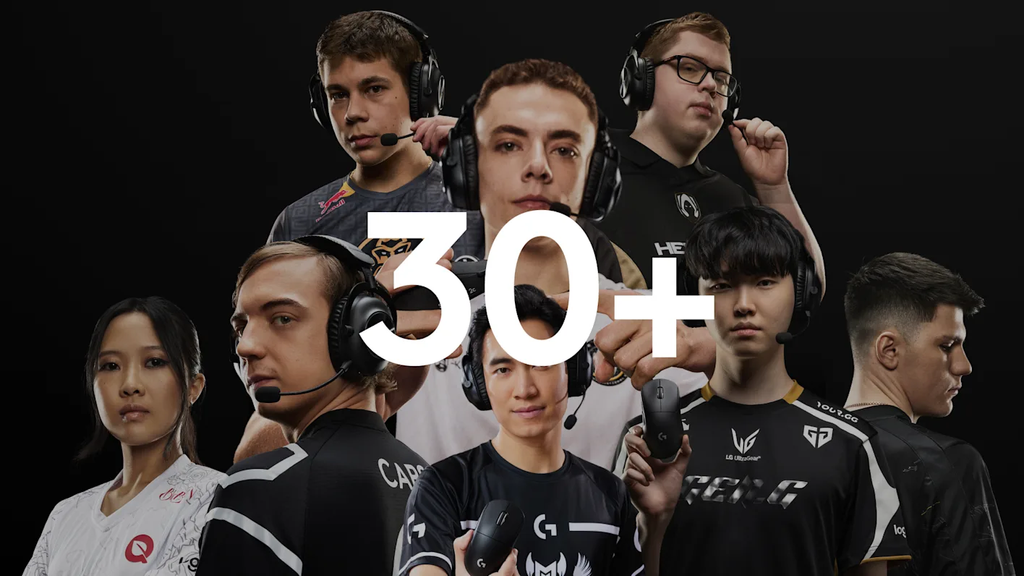
A New PRO Lineup for Competitive Players
The company unveiled the new Logitech PRO gear at its Logitech G PLAY 2026 event in September. All three products were developed with input from professional esports players, and all three are aimed squarely at competitive gamers rather than casual players.
The common theme is control. Each device lets you fine-tune exactly how it responds, from how far you press a mouse button to how your teammates hear your voice. Here is what each piece brings to the Logitech PRO setup.
Three Devices, One Goal: Faster Reactions
PRO X3 SUPERSTRIKE: A Click You Can Tune
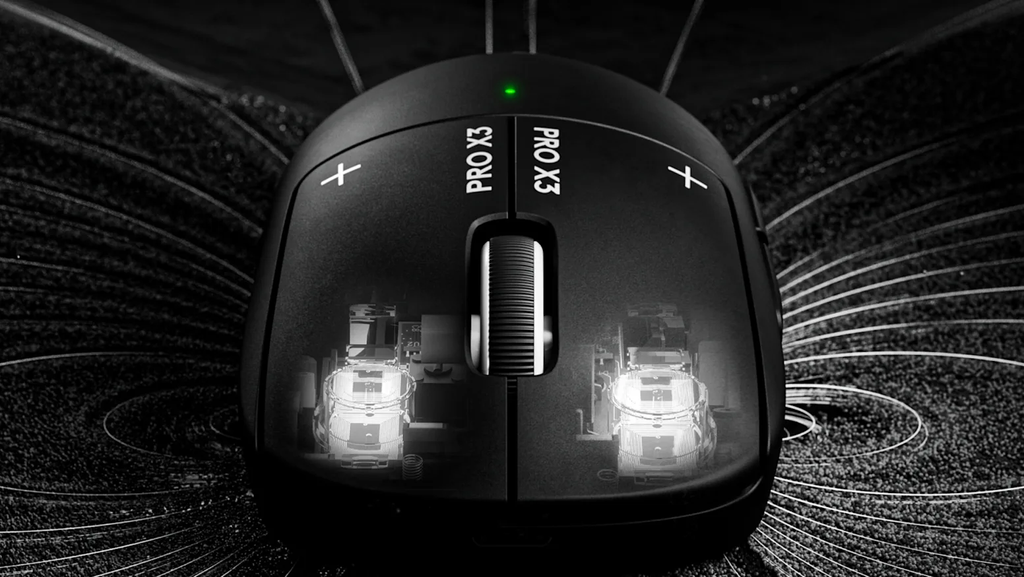
The PRO X3 SUPERSTRIKE is the star of the Logitech PRO lineup. Traditional mice use mechanical switches that register a click at a fixed point. This one uses Logitech's Haptic Inductive Trigger System, or HITS, which replaces standard switches with an electromagnetic system and haptic feedback that simulates the feel of a click.
That means you can choose when a click registers. There are 10 actuation points and 5 Rapid Trigger reset points for both main buttons. Set a shallow actuation point and your clicks fire sooner. Turn on Rapid Trigger and the button resets as soon as you start to lift your finger, which makes repeated clicks faster.
- Sensor: HERO 2 optical sensor
- Polling rate: up to 8,000Hz
- Weight: about 60g
- Battery: up to 135 hours
- Price: $199.99
PRO X2 RAPID: Hall Effect Speed
The PRO X2 RAPID keyboard applies the same idea to your keys. It uses custom Hall effect magnetic switches, made with Gateron, that measure exactly how far each key is pressed. You can set actuation points per key, and Rapid Trigger lets keys reset almost instantly as soon as you begin to release them. In shooters, that makes strafing and counter-strafing much snappier.
- Layout: wired tenkeyless (TKL)
- Switches: KS-20 Hall effect magnetic switches
- Polling rate: 8,000Hz
- Extras: onboard OLED screen and six layers of sound dampening
- Price: $229.99

PRO X3 LIGHTSPEED: Hear More, Say It Clearly
The final piece of the Logitech PRO setup is the PRO X3 LIGHTSPEED wireless headset. It uses 50mm PRO-G GRAPHENE drivers and supports a 10-band parametric EQ. The fun part is that you can download EQ presets created by pro players through Logitech G HUB, so you can hear your game the way the pros tune it.
Communication gets a big upgrade too, with a new 48kHz full-bandwidth microphone for clearer callouts. It also includes Logitech's voice processing tools, the same technology that used to be branded Blue VO!CE.
- Drivers: 50mm PRO-G GRAPHENE
- Microphone: 48kHz full-bandwidth, detachable
- Connectivity: LIGHTSPEED wireless, Bluetooth 5.3 and 3.5mm aux
- Battery: up to 70 hours
- Price: $249.99

What Gives Us Pause
As impressive as this Logitech PRO setup is, it comes with trade-offs.
The price adds up fast. Buying all three costs around $680 before tax. That is a serious investment for peripherals, and each device is expensive on its own. The $199.99 mouse in particular sits at the very top of the gaming mouse market.
The keyboard is wired only. At $229.99, some buyers will expect wireless support, which the PRO X2 RAPID does not offer.
The gains are small for most players. Adjustable actuation and Rapid Trigger give competitive players a real edge, measured in milliseconds. If you play casually, you are unlikely to feel much difference compared with a good mid-range setup.
Gear does not replace practice. No peripheral can fix aim, positioning or game sense. As fun as the "if you lose, it is on you" joke is, there is truth in it.
Logitech PRO vs Razer's Esports Lineup
Razer is Logitech's biggest rival in esports peripherals, with its own Viper mice, Huntsman keyboards and BlackShark headsets.
- Mouse: Logitech offers adjustable click actuation and Rapid Trigger on the mouse buttons, a feature most rival mice do not have
- Keyboard: the PRO X2 RAPID uses Hall effect switches, while Razer's Huntsman V3 Pro TKL uses analog optical switches with Rapid Trigger and Snap Tap, often for less
- Headset: both brands offer wireless headsets with pro-tuned audio and high-quality microphones
- Price: Razer's equivalents are frequently discounted, while Logitech's new PRO gear sits at full launch pricing
Razer is the better value pick against the Logitech PRO lineup, especially when its keyboards and headsets go on sale. Logitech's standout advantage is the PRO X3 SUPERSTRIKE's tunable click, which very few competitors can match, plus the convenience of managing all three devices in G HUB.
Our verdict: if you want the most advanced mouse click on the market and a matching ecosystem, the Logitech PRO lineup is the one to beat. If you want strong esports gear for less, Razer is worth a look.
Final Thoughts
The new Logitech PRO lineup is built for players who want every possible advantage. A tunable mouse click, Hall effect keys with Rapid Trigger and a headset with pro EQ presets and a clearer mic make it one of the most capable competitive setups you can buy.
Our recommendation: if you play competitively and can afford it, a full Logitech PRO setup removes almost every hardware excuse. If you are on a budget, start with the PRO X3 SUPERSTRIKE, since its adjustable click is the most unique part of the lineup. And if you still lose after that, blame your team. We will not tell anyone.
For a look at a classic Logitech mouse that just got a fresh look, read G502 X Plus in Dark Lilac and Mint: Same Mouse, New Look.