
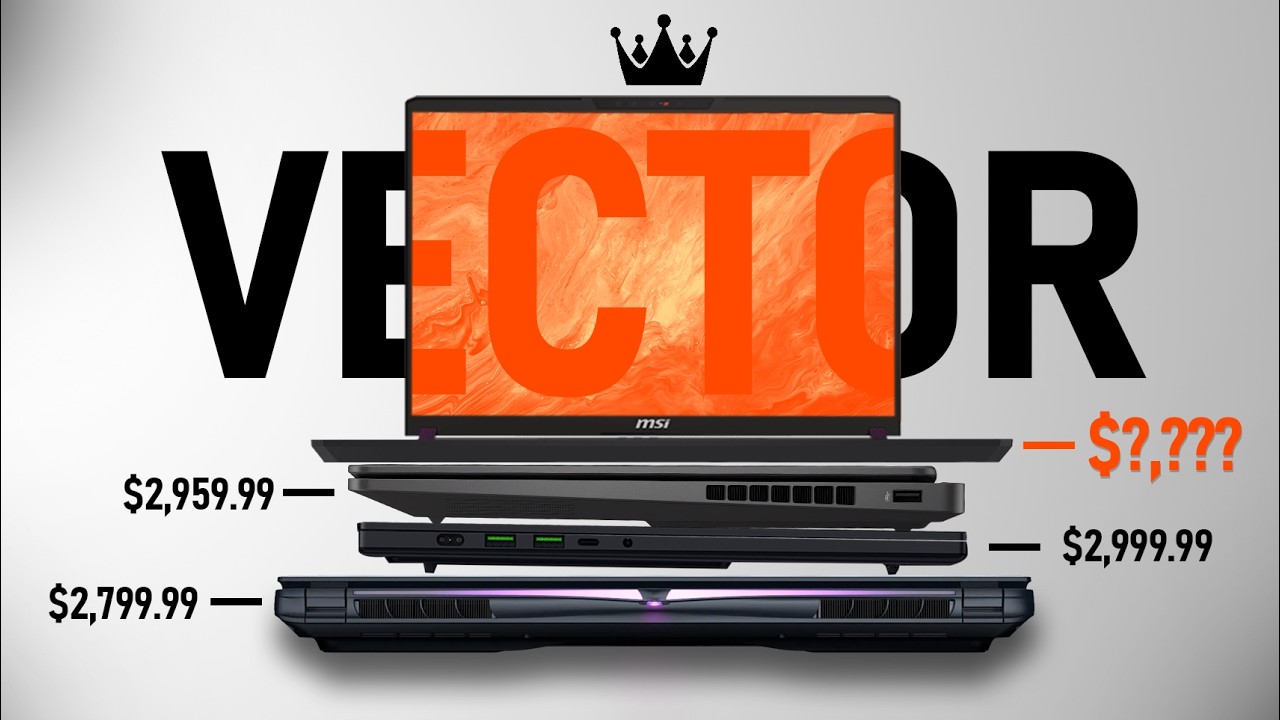

MSI Vector 50 Series Review: Top-Level Gaming Power Without the Luxury Tag
It's 2025, and there are new 50 series gaming laptops hitting the ground. And if you've been shopping around, you've probably noticed something peculiar: they all come with Intel Core i9 processors. Every. Single. One.
Great news for performance, certainly. But it also means sky-high price tags, pricing these laptops out of budget for all but the most dedicated gamers.
That's where the MSI Vector steps in—offering a clever balance of high-end capabilities without all the pricey frills. It's for those who require serious power without emptying their bank accounts completely.
I spent three weeks living with MSI's new Vector, testing everything from design and performance to practical everyday functionality. Here's what I learned.
First Impressions: Retro, Bold, and a Bit Bulky
MSI made some unconventional design choices with the Vector. It's big, clunky, and loud—and that's by design. More on that in a moment.
The Cosmic Gray color, upon initial inspection, is subdued but smooth, and some of the styling features (like the copper heat sinks seen through and color-shifting hinge accents) give the laptop a unique appearance.
What doesn’t make much sense, though, are the saw-blade-like wrist rests. I’m not sure why MSI thought sharp edges belong where your wrists go, but hey—design is subjective, right?
Keyboard & Trackpad: Great Typing, Just Okay Navigation
The keyboard is an unequivocal victory. It's a chiclet keyboard layout with a soft, pudding-like typing experience that's kind to the fingers. It sports a squished numpad (quarter-width), and WD keys are see-through—for reasons I still can't fathom. Gamers will know where WASD is.
RGB Zones: 24 customizable backlight zones
Arrow keys: Decorated with dedicated shortcuts (including for volume)
The trackpad, alas, is as plain as it comes. It does work—but don't count on using it for anything more than casual browsing. A mouse is essential.
Webcam & Audio: Functional, Not Fancy
The 1080p camera gets a good 30 FPS in well-lit conditions and includes a privacy shutter, which is always a nice touch. The microphone also picks up decently clean sound, not great but fine for calls and spur-of-the-moment chat.
On the audio front, things are. loud. MSI ditched the trendy slim vapor chamber cooling and instead went with traditional cooling fans. That means powerful airflow and consistent temperatures under load, but also:
Very loud fans during gaming
Noticeable noise levels in performance mode
Good heat management (doesn’t roast your hands)
If you’re gaming in a quiet room or shared space, expect curious looks—or noise complaints.
Display: A Smooth, Colorful Experience
Our review sample came with a 16-inch QHD+ IPS display (2560x1600 resolution) with a 240Hz refresh rate. It's not an OLED, so blacks aren't ink-black, but:
Color rendering is good
Motion is silky smooth
Brightness is sufficient (just don't expect miracles outdoors)
When high-speed gaming is involved, the screen achieves the best possible balance between image clarity and responsiveness.
Ports, I/O & Build
MSI wisely assigned most of the ports to the back, so your desk stays clutter-free. Here's what you get:
USB-A and USB-C ports
HDMI
Ethernet
Thunderbolt (on some models)
And yes, there are multiple configs of the Vector, so double-check what screen, CPU, and GPU version you're looking at.
Specs & Performance (Model Tested)
This is what powered our review unit:
CPU: Intel Core Ultra 9 275HX
GPU: NVIDIA RTX 5070 Ti (12GB VRAM)
RAM: 32GB DDR5
Storage: 1TB NVMe SSD
Weight: 2.7kg
Charger: 330W power brick
It's a beast. I played Expedition 33 at maximum settings, full resolution, no lag, no thermal throttling, and without any drops in performance. This machine took everything I could throw at it—and stayed cool doing it.
Benchmarks? More Like Game Time
I was supposed to run a bunch of benchmarks, but I lost my train of thought. I fired up Expedition 33. and never really stopped playing. That's how smooth the experience was.
Maxed settings
No stutters
No overheating
Pure gaming heaven
No spreadsheet of FPS numbers today—just a thumbs up in real-world gaming.
Last Word: Power Without the Price Tag
If you're looking for a high-performance gaming laptop that won't leave you broke, the MSI Vector might be it. It forgoes luxury features for raw power—and that trade-off is worth it.
What We Loved:
Excellent gaming performance
Sleek cooling design (despite fan noise)
Daring styling and heavy build
QHD+ high refresh rate display
Rear I/O design
What We'd Change:
Obnoxiously loud fans during load
Pointy wrist rest
Sub-Trackpad level