
I Replaced My Mechanical Keyboard with This $30 Bluetooth Pair — And I May Keep It (LOGITECH MK250)
Hello everyone, Stefan of We Do Tech — where we spend the money and sometimes waste it so you don't have to. And today, I'm going to talk about something surprising: I ditched my mechanical keyboard… and I may well end up keeping the replacement. But fear not, I know. Just bear with me on this. LOGITECH MK250 review.
Why the Switch?
If you've been around, you'll know that we've just opened a new office. And as a tech review channel, we've got no shortage of mechanical keyboards lying around. Instead of leaving them to gather dust in storage, we actually use them — stacks of them.
That's where things started going wrong.
Clacky. Clicky. Noisy. Typing in our new group office space started to sound like a duet of typewriter percussion. Not ideal for, you know, actually getting work done.
The Solution? A Simple Bluetooth Office Combo
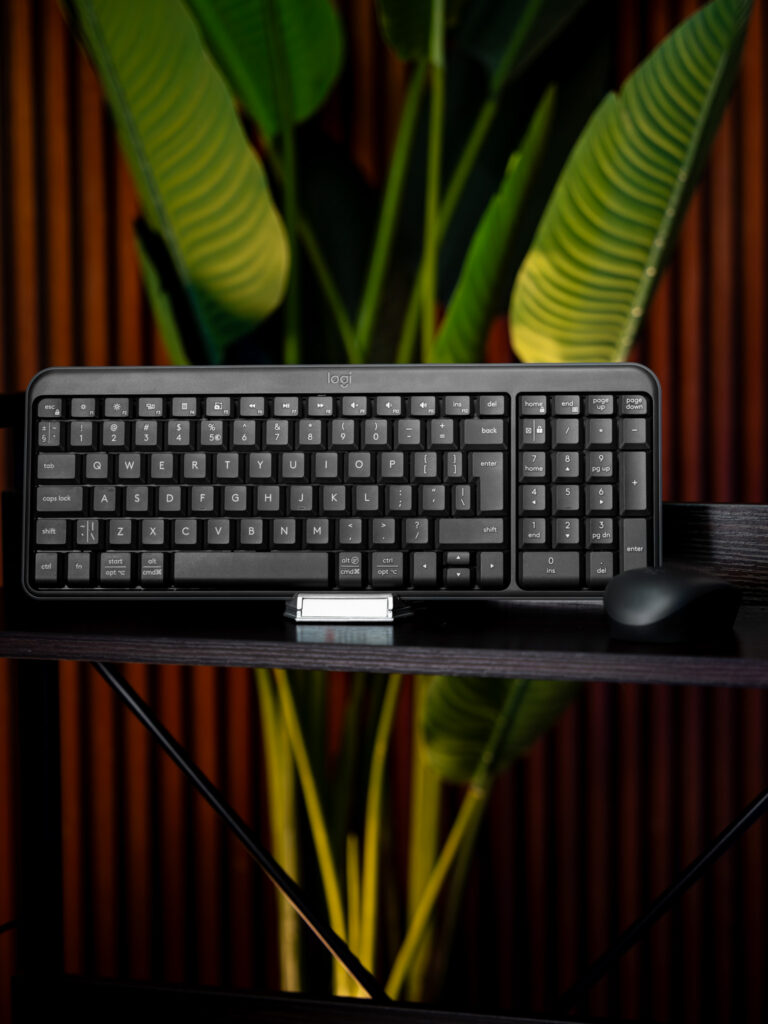
Instead of equipping each workstation with quiet mechanical switches (which, I'll admit, I've read that they do), we chose something quicker — and cheaper: a $30 Logitech Bluetooth keyboard and mouse combo.
Why Bluetooth? Easy: I own a MacBook, and like many newer laptops, it no longer has full-size USB-A inputs. Bluetooth gives me a wire-free, dongle-free install with no cables and no extra receivers. Low-key. Clean. Convenient.
If your computer is not Bluetooth-capable, however, then this pairing might not be for you.
First Impressions: Do Membranes Make a Comeback?
Transitioning from mechanical to membrane keyboards is usually a slight downgrade, especially if you're used to that tactileity and crisp keypress. And yes — took some adjusting.
Give where give is due, however: the Logitech K250 isn't as mushy in the feel as other budget keyboards I've tested. It's surprisingly tactile, maybe thanks to keycap design, and I grew accustomed to it faster than I expected.
Even better? It resolved the problem of noise. It's quieter than a whisper, compact enough to fit into a laptop sleeve, and retains a full numpad. It works perfectly with both my Mac and PC, without further software or drivers. F-keys are defaulted with all the essentials — volume, brightness, media controls — from the get-go.
No bloating. No hassle. It works.
And What of the Mouse?
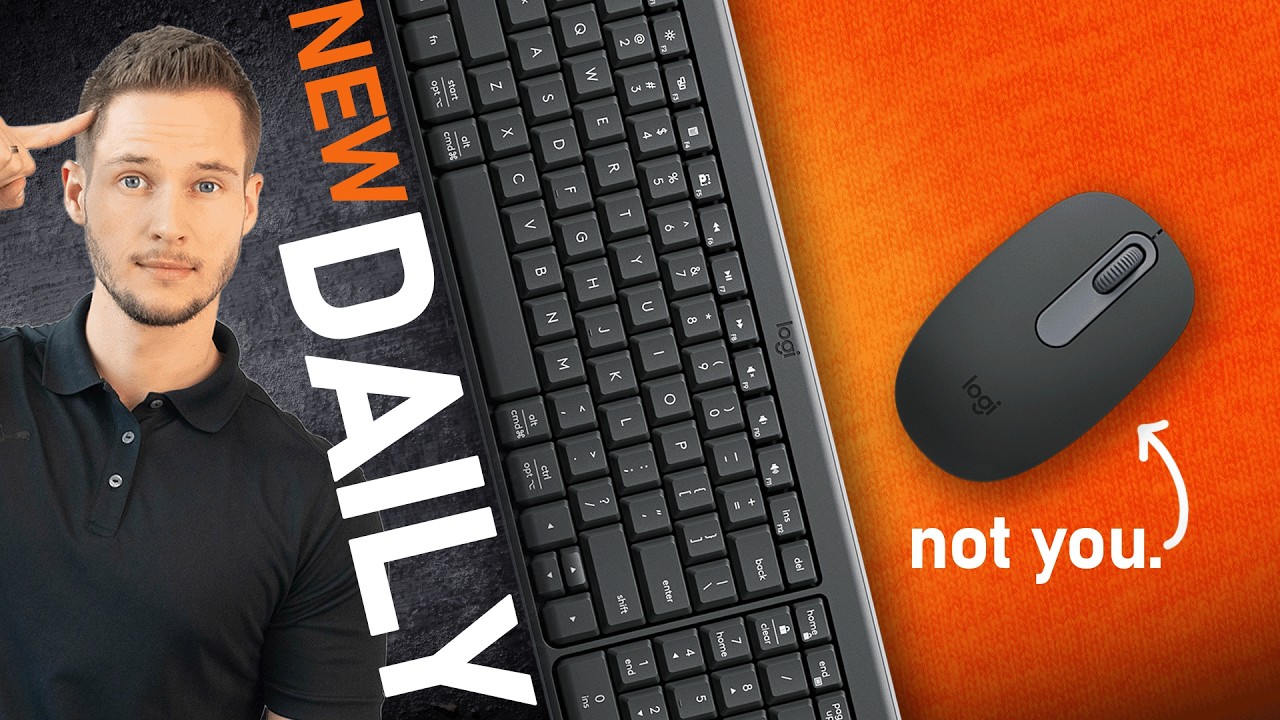
A combo is not a combo without the mouse, right? The Logitech M196 fills in the gap, and it includes the keyboard.
Setup is simple, the Bluetooth connection is solid as a rock, and it's ridiculously compact — ideal for travel. That being said, it may be too compact, especially if your hands are larger. I had to employ a claw grip for optimal comfort, because the ambidextrous shape offers little in the way of ergonomic contouring.
Bianca (our resident small-hand reviewer) complained about nothing. In her opinion, the size was ideal.
Functionally, the mouse performs fantastically: sensitive sensor, crisp clicks, and a really good scroll wheel with some drag — something I quite frankly did not expect at this price point.
One Drawback: Batteries
My sole gripe: batteries. Keyboard takes AA, mouse takes AAA. Not the end of the world, but it means keeping both on hand just in case.
The silver lining? Logitech throws in a fresh set inside the box, and they warranty the keyboard for up to 3 years of battery life and the mouse for 1 year. I've only had it for two weeks, so I couldn't try that out yet.
Should You Buy This Combo?
That depends.
If you’re a hardcore gamer or someone who relies heavily on programmable macros, this isn’t for you. But if you’re a student, a remote worker, or someone looking for a solid, quiet, plug-and-play Bluetooth combo that just works — it’s honestly hard to beat for $30.
The keyboard addresses all I need. The mouse is good, but I'd personally spend up to something like the Logitech M650 for more ergonomic comfort — if you can loosen up the budget a bit. That one's about $40 on its own. And if you want to go over the top, the MX Master 3S is out there… I might pick one up in the not-too-distant future. (Okay, I'll send the email.)
Final Thoughts
So, am I keeping this combo on standby? Sure, I believe so — at least until I tire of it. It's not gimmy, but it's useful, reliable, and working away quietly without complaint.
I might even grab a couple more for the lads here at the office.
Got a better quiet keyboard and mouse combo? Let me know. Leave your recommendations in the comments below.
And as usual — don't forget to subscribe. That is Stefan from We Do Tech, saying goodbye. Cheers!