

RGB Software Is Ruining Your PC in 2026
By Stefan @ WeDoTech
This Got Out of Hand Fast
RGB Software has quietly become one of the most frustrating parts of building a modern gaming PC. What should be a simple process of syncing lights across your setup has turned into a bloated mess of overlapping apps, background services, and unnecessary system load.
In 2026, it is completely normal to see a single PC running Corsair iCUE, Razer Synapse, Asus Aura Sync, Gigabyte RGB Fusion, Logitech G Hub, and SteelSeries Engine all at once. The result looks great on your desk, but under the hood it is a different story. Unless you game on a laptop.
The worst part is that most people do not realize how much performance they are giving up just to make their setup look good.
How We Ended Up Here
RGB Software was never supposed to be this complicated. Originally, lighting control was tied to individual components. You installed one app, changed your colors, and moved on.
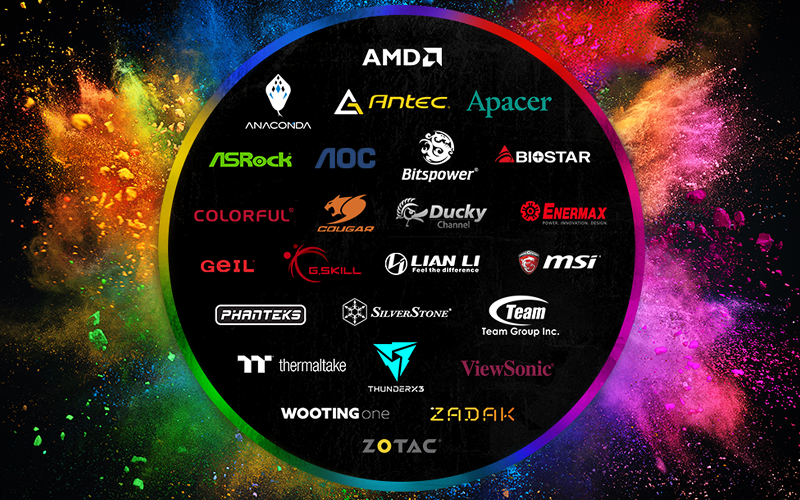
But as ecosystems grew, so did fragmentation. Every brand built its own software, locked features behind its own platform, and pushed users deeper into brand specific ecosystems. Instead of one clean solution, we now have multiple layers of control fighting for dominance.
The problem is not just inconvenience. It is inefficiency.
Running multiple RGB Software suites at the same time means multiple background processes, duplicate services, and constant resource usage. On lower end systems, especially those still running 8GB of RAM, this becomes very noticeable.
The Hidden Performance Cost
Here is where RGB Software becomes a real problem. These apps are not lightweight.
Stack enough of them together and your system starts losing usable memory to background services. While it will not always eat several gigabytes on every build, it is very possible to see combined usage climb well past what most users expect, especially on entry level systems.
On a budget setup, that is the difference between smooth gameplay and random stutters. You might think your hardware is underperforming, when in reality your RGB Software is quietly eating resources in the background.
This is especially painful when the rest of your build is already limited. Spending money on aesthetics only to lose performance is the exact opposite of what most gamers want.
The Two Fixes Everyone Tries
Most people end up with two options when dealing with RGB Software overload.
The first is using centralized third party tools. These promise to unify control across brands and reduce the number of apps running at once. The problem is that many of these solutions are inconsistent, sometimes unreliable, and in some cases questionable in terms of long term support.
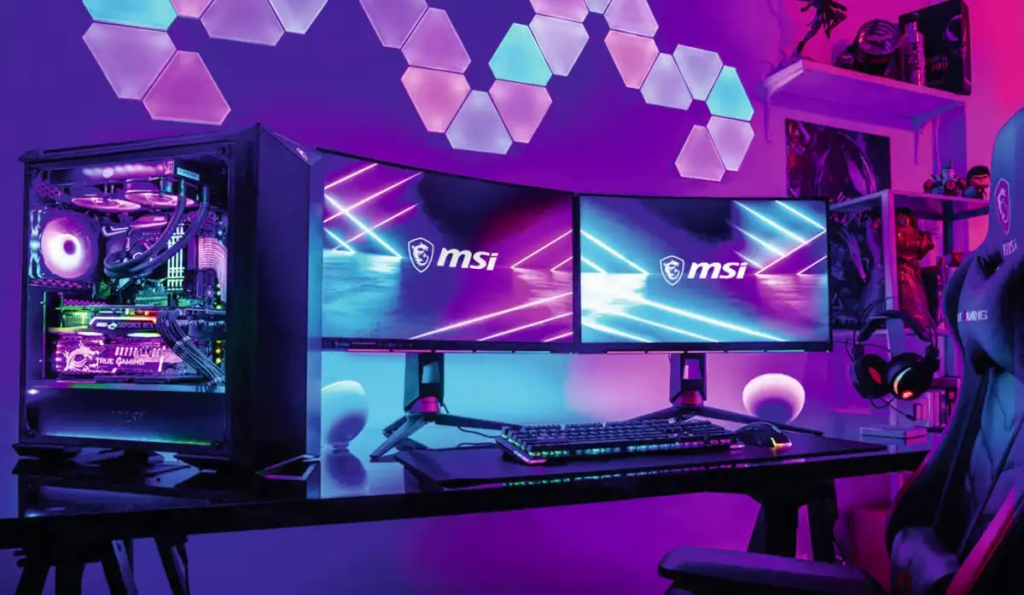
The second is committing to a single ecosystem. This is where the Powered by MSI approach becomes relevant. Instead of mixing five different brands and their software, the idea is simple. Build within one ecosystem so everything is designed to work together from the start.
A full Powered by MSI setup keeps lighting, performance tuning, and hardware control aligned under one environment. That means fewer background services, fewer conflicts, and a much cleaner experience overall.
Where It Still Falls Short
RGB Software is not just a user problem. It is an industry problem.
Every brand wants you inside its ecosystem, which means true universal compatibility is still rare. Even a full ecosystem build comes with tradeoffs. You are giving up flexibility in exchange for simplicity.
That is the part most people do not think about. A Powered by MSI build works best when you fully commit to it. Mixing brands again brings you right back to the same software clutter you were trying to avoid.
So while the ecosystem approach solves a lot of problems, it is not a magic fix for every setup.
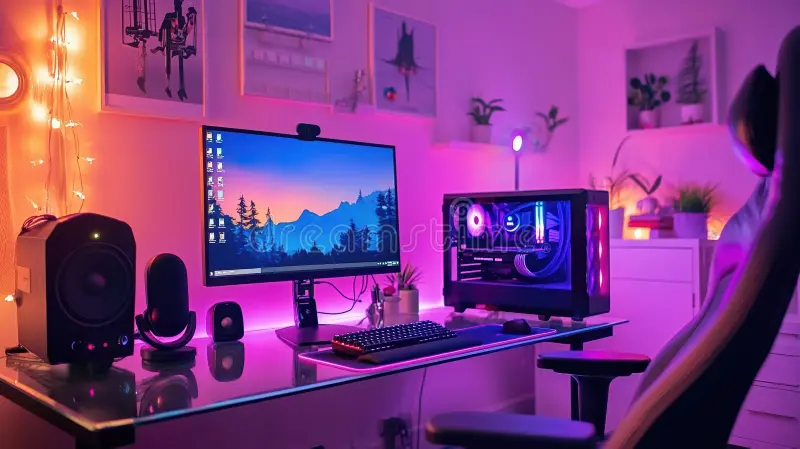
How It Compares to Mixed Builds
Builders who mix multiple brands almost always deal with heavier software stacks. More apps, more background processes, and more chances for conflicts.
In contrast, a single ecosystem build, like a Powered by MSI setup, tends to run cleaner. You get tighter integration, more predictable behavior, and less time spent troubleshooting software issues.
That does not automatically make it better for everyone. If you prioritize specific peripherals or components from different brands, you will still end up juggling multiple tools.
It comes down to priorities. Clean integration versus maximum flexibility.
The Smarter Way to Handle RGB
RGB Software in 2026 needs to be treated like any other part of your build. It has a cost, even if it is not listed on the box.
If you care about performance, keep your setup simple. Limit the number of control apps, avoid unnecessary overlap, and think twice before installing another background service just for lighting.
If you want the cleanest possible experience, building within a single ecosystem like Powered by MSI is one of the most reliable ways to avoid software overload.
Because right now, the biggest problem with RGB is not the lights. It is everything running behind them.