
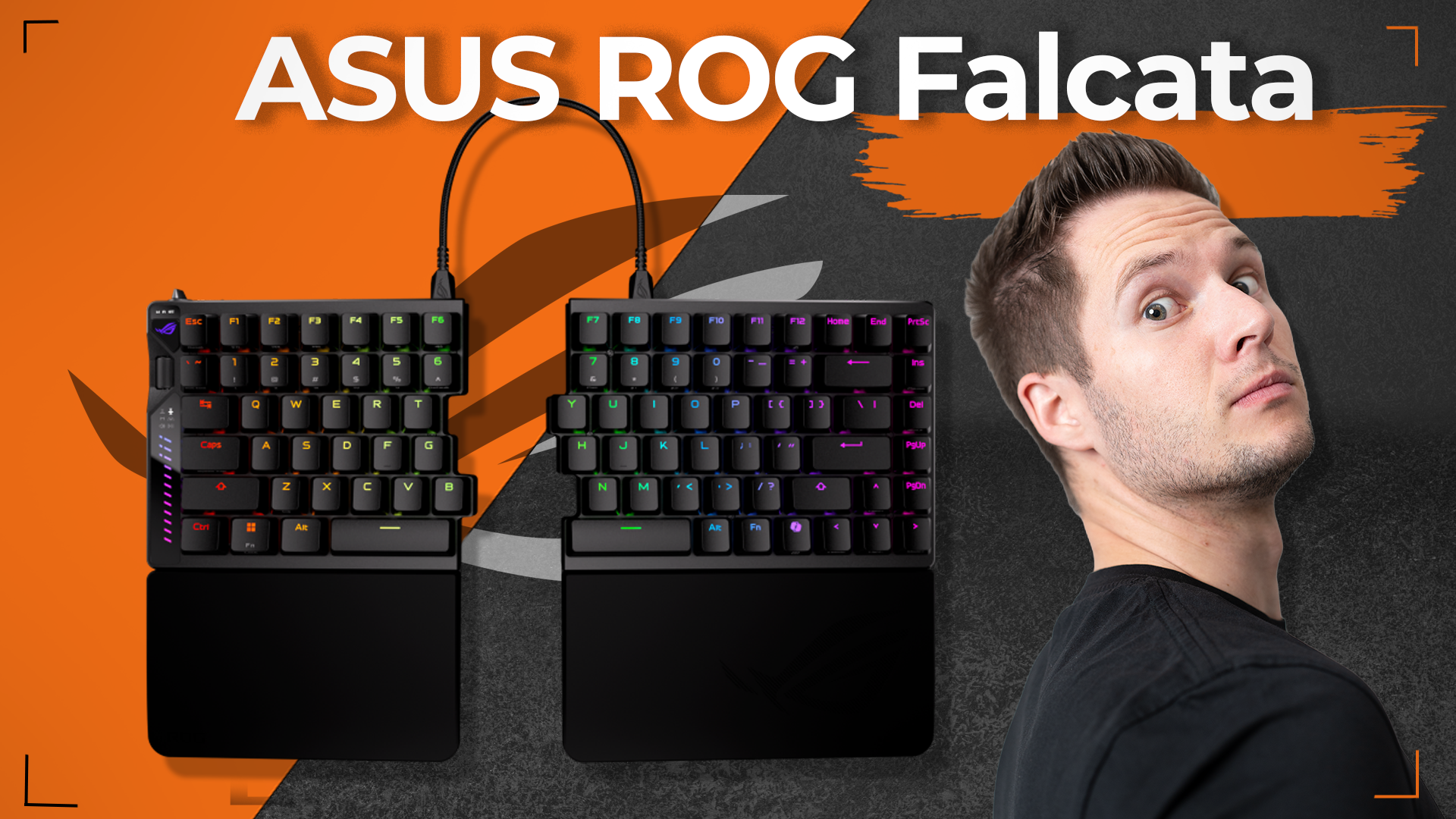

ROG Falcata Review: The Almost Perfect Split Keyboard
By Stefan @ WeDoTech
ASUS cut a Hall effect gaming keyboard in half, and the result is brilliant. It's just held back by one stubborn cable.
The ASUS ROG Falcata is probably the most versatile keyboard we have ever used. It's also the most expensive. And it is so close to being perfect that it is almost annoying.
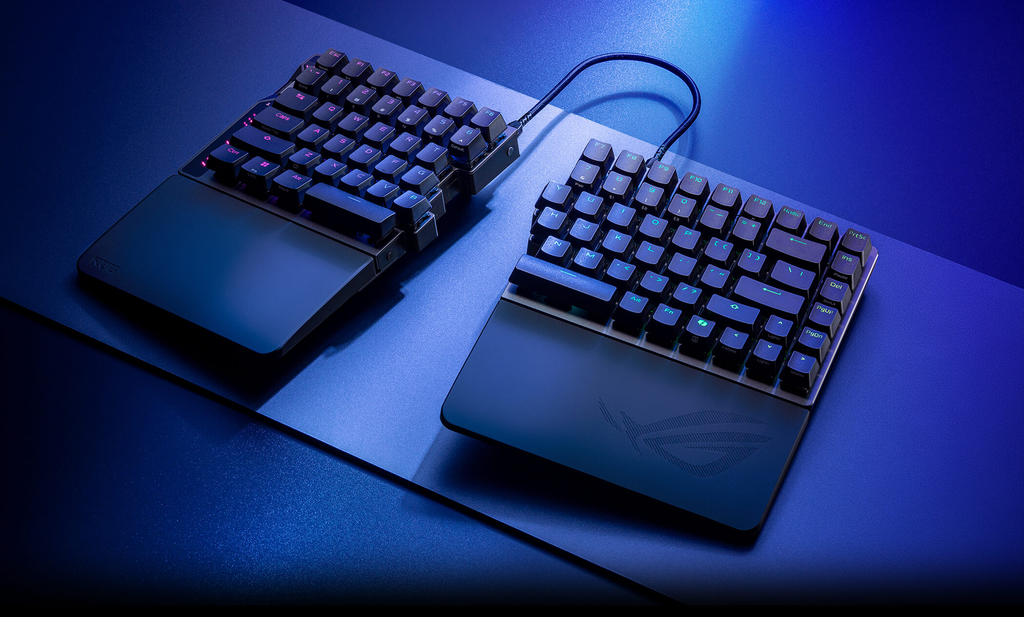
At its core, the ROG Falcata is a wireless 75% Hall effect gaming keyboard that splits into two halves. You can angle the halves for comfort, or remove the right side completely to give your mouse more room while gaming. Very few keyboards try to do all of that, and even fewer pull it off this well.
A Split Keyboard Built for Gamers
ASUS first showed the ROG Falcata at Computex 2025, and it is now available in the US for $419.99. That is console money for a keyboard, and ASUS is aiming it squarely at competitive players and enthusiasts who want something different.
Split keyboards are not new. They have been popular in the custom and ergonomic keyboard world for years. What makes the ROG Falcata unusual is that it combines a split layout with the features gamers actually care about: magnetic switches, Rapid Trigger and an 8,000Hz polling rate. Reviewers have been impressed. KitGuru rated it 9 out of 10, and GamesRadar+ called its switches the best Hall effect switches its reviewer had used.
What the ROG Falcata Gets Right
Here are the key ROG Falcata specs:
- Layout: 75% split design with function, arrow and navigation keys
- Switches: hot-swappable ROG HFX V2 magnetic (Hall effect) switches with the ROG Hall Sensor
- Gaming features: Rapid Trigger with a dedicated toggle, adjustable actuation and Zone Mode
- Polling rate: up to 8,000Hz wired and over ROG SpeedNova 2.4GHz wireless
- Connectivity: 2.4GHz wireless, Bluetooth and wired USB-C, with support for up to five devices
- Battery: up to 200 hours in SpeedNova wireless mode with RGB off
- Extras: per-key RGB, a multi-function wheel, four-layer dampening, detachable silicone wrist rests and removable legs for angling the halves
- Price: $419.99
The split design is the ROG Falcata's headline feature. For typing, you can separate and angle the halves into a more natural position. If you are not already a confident touch typist, expect an adjustment period. Your hands need to stay on their own side of the board.
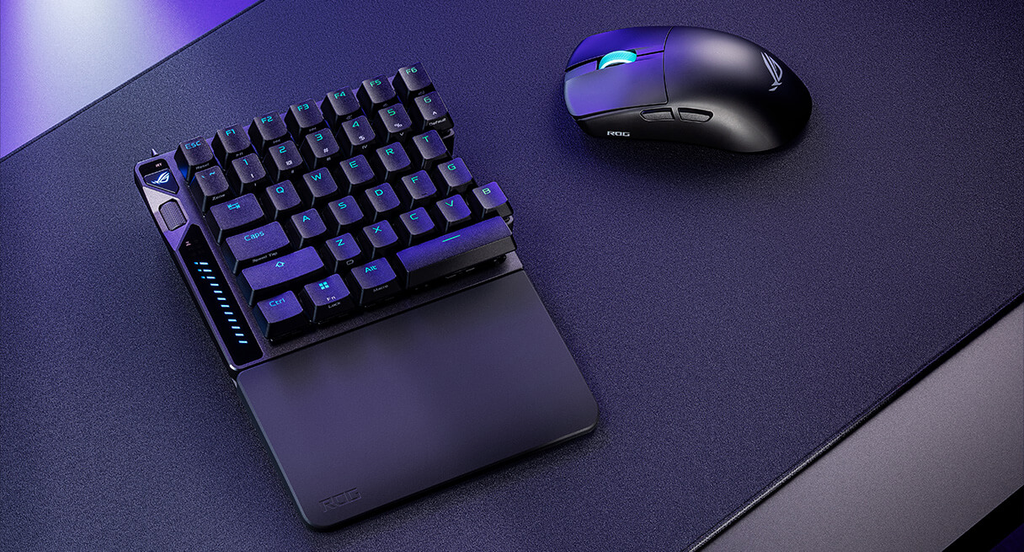
For gaming, the trick is even better. Detach the right half and you are left with a compact left-hand board. That frees up a lot of desk space for wide mouse movements, which low-sensitivity FPS players will appreciate. The left half works wirelessly on its own, so there is nothing to plug in.
The Hall effect switches are the other big win. Instead of a physical contact, they use magnets and a sensor to detect how far each key is pressed. That lets you set exactly how sensitive each key is, from a feather-light tap to a deeper press. Rapid Trigger takes advantage of that. A key resets the moment you start lifting it, rather than waiting to travel back past a fixed point, so you can tap keys repeatedly much faster. In fast shooters, that makes strafing and counter-strafing noticeably snappier.
The Two Things Holding It Back
So why is it only almost perfect?
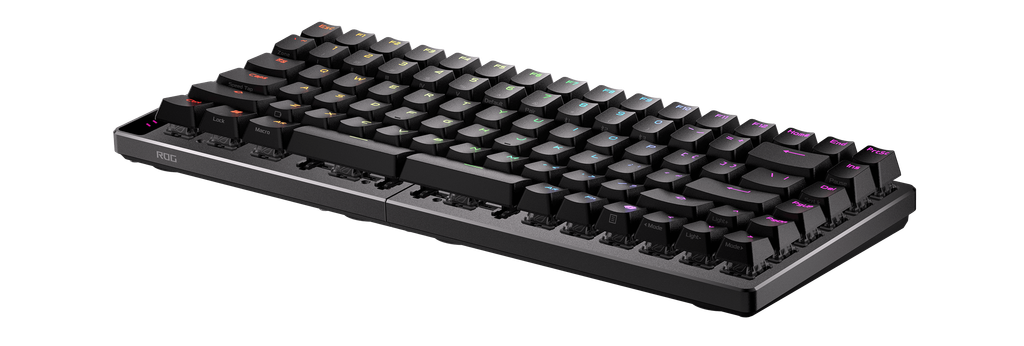
The link cable. To use both halves together, you have to connect them with a short USB-C to USB-C link cable. And it has to be the specific cable ASUS supplies. A regular USB-C cable will not work. In our testing, no other cable did the job, not even the separate charging cable that comes in the box. Other reviewers have run into the same limitation, and ASUS itself says to use only the bundled link cables. It works, but it feels like an odd restriction on a $420 wireless keyboard. It also limits how far apart you can place the two halves.
The sound. This one is a personal nitpick, but Hall effect keyboards generally do not sound as satisfying as a good mechanical keyboard. The ROG Falcata is well dampened, but if you love a deep, creamy "thock," it may leave you wanting more.
There is also the price. At $419.99, it costs well over most premium gaming keyboards. To be fair, you are getting a lot of keyboard for that money, so we would not count the price as a deal-breaker for the right buyer. It just narrows the audience.
ROG Falcata vs SteelSeries Apex Pro TKL Wireless Gen 3
The SteelSeries Apex Pro TKL Wireless Gen 3 is one of the most popular premium Hall effect keyboards, and it makes for a useful comparison.
- Price: $419.99 vs a $299.99 list price at Best Buy, often on sale
- Layout: 75% split vs tenkeyless in one piece
- Switches: ROG HFX V2 magnetic vs OmniPoint 3.0 HyperMagnetic
- Extras: detachable halves, wrist rests and tilt legs vs an OLED smart display
- Connectivity: 2.4GHz, Bluetooth and wired on both
The Apex Pro TKL Wireless Gen 3 is the better value for most gamers. It costs far less, has excellent switches and is a simpler one-piece design.
The ROG Falcata wins on flexibility. No regular keyboard lets you remove half of it for more mouse space, or split it apart for typing. Add the 8K polling and highly rated switches, and it is the more versatile option.
Our verdict: buy the SteelSeries if you want a great Hall effect keyboard at a lower price. Buy the Falcata if you want the split design and are willing to pay for it.
Final Thoughts
The ROG Falcata is one of the most interesting gaming keyboards on the market. It is versatile, fast and comfortable, with switches that reviewers rank among the best in its class. The split design is not a gimmick: it makes typing more natural and gaming more comfortable.
But it is not quite perfect. The proprietary link cable is a frustrating limitation, and Hall effect switches will not satisfy everyone who loves the sound of a mechanical keyboard.
Our recommendation: if you are a competitive gamer who wants extra mouse space, or you are curious about split keyboards and can afford the premium, the ROG Falcata is easy to recommend. If you just want a fast Hall effect keyboard, you can spend much less.
For another keyboard that breaks the usual rules, read Strike Alloy TMR: MSI's Wildest Keyboard Yet.