

PC Mistakes to Avoid in 2026 When Building Your First Rig
By Stefan @ WeDoTech
Let’s Get This Out the Way
PC Mistakes are nothing new, but in 2026 they’ve become a lot more expensive, a lot more frustrating, and far easier to make if you’re building your first rig. With GPU prices still fluctuating, power-hungry components becoming the norm, and social media pushing form-over-function builds, it’s easier than ever to sink money into the wrong places.
The problem isn’t that beginners don’t care. It’s that modern PC building looks deceptively simple. Slap parts into PCPartPicker, copy a TikTok build list, and boom, gaming PC, right? Not quite. The biggest PC Mistakes don’t usually show up on day one. They creep in weeks later as crashes, noise, heat, or performance that never quite matches expectations.
This breakdown takes the most common PC Mistakes we’re still seeing in 2026 and explains why they matter, and how to avoid learning the hard way.
Where First-Time Builds Go Wrong
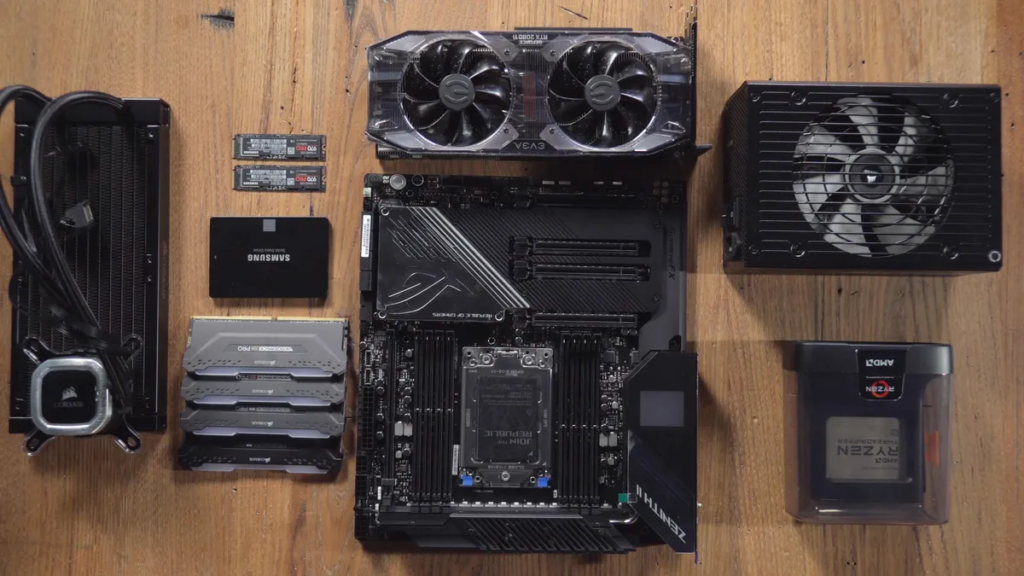
Most PC Mistakes start with budget pressure. Parts are expensive, and when every rand or dollar counts, corners get cut where they seem harmless. Power delivery, airflow, balance, none of these are exciting line items on a spec sheet.
Another issue is visual influence. Platforms like Instagram, TikTok, and YouTube Shorts reward aesthetics. Glass panels, RGB fans, and spotless desk shots dominate feeds, while boring but critical decisions rarely get screen time. As a result, many first-time builders prioritize how the PC looks over how it behaves under load.
Finally, there’s overconfidence. Building PCs is easier than ever, but that doesn’t mean every part combination makes sense. Compatibility goes beyond “it fits in the socket,” and performance isn’t just about buying the most expensive SKU you can afford.
The Mistakes That Actually Hurt Performance
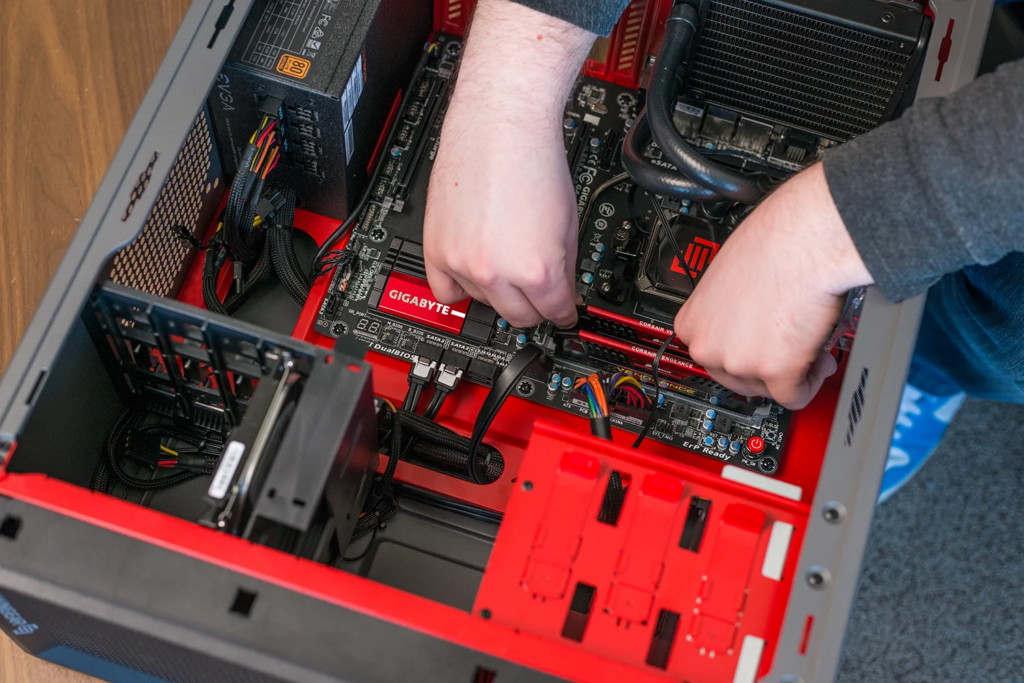
The single most damaging PC Mistake in 2026 is cheaping out on the power supply. A PSU isn’t just “power.” It’s stability. A low-quality unit can cause random blue screens, unexplained restarts, corrupted game files, or, in worst cases, dead components. When a $30 PSU fails, it rarely fails alone.
Next is choosing form over function. RGB fans look great, but airflow doesn’t care about aesthetics. Three flashy fans won’t outperform nine well-placed, no-name airflow-focused ones. High-end CPUs and GPUs now sustain boost clocks for longer than ever, which means heat management matters more, not less.
Another classic PC Mistake is wildly unbalanced specs. An i9 paired with a mid-range GPU won’t magically produce better gaming performance. Neither will 64GB of RAM for basic workloads. You don’t need workstation-class hardware to play Minecraft or browse Chrome, and overspending here often means underspending where it matters.
Compatibility also trips people up. Not every motherboard plays nicely with every RAM kit. Not every case supports the radiator you want. Skipping research leads to builds that technically work but never perform optimally.
The Hidden Costs No One Talks About
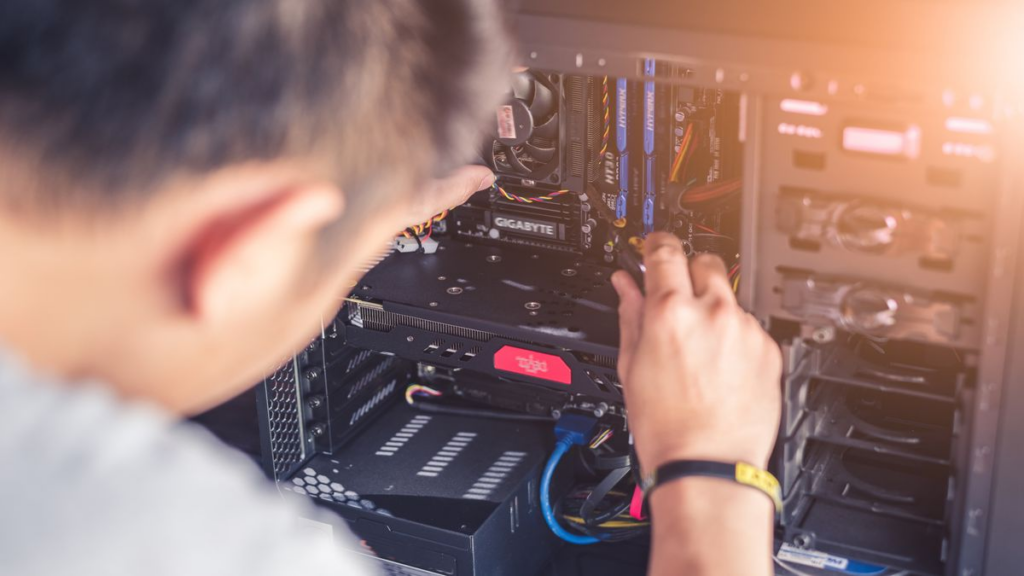
Cable management is the most ignored PC Mistake, until it isn’t. Messy cables restrict airflow, trap heat, and turn future upgrades into a nightmare. Swapping a GPU or SSD becomes a full teardown instead of a five-minute job.
There’s also the long-term cost of noise. Poor airflow forces fans to spin harder, making your PC louder over time. What felt fine at first becomes annoying during long sessions.
Then there’s resale value. Clean, balanced builds with reputable power supplies hold value far better than Frankenstein systems with questionable internals. Even if you don’t plan to sell, this reflects how forgiving your system will be over time.
How Other Builders Approach It
When comparing smart first-time builds to mistake-prone ones, the difference isn’t budget, it’s intent. Experienced builders prioritize reliability and balance. They’ll choose a known 80+ Gold PSU over flashy extras, allocate cooling properly, and spec hardware around actual use cases.
Prebuilt systems from reputable brands often outperform poorly planned DIY builds simply because they avoid these foundational PC Mistakes. While prebuilts have their own compromises, they usually get power delivery, thermals, and compatibility right.
The takeaway isn’t “don’t build your own PC.” It’s that successful builds borrow discipline from professional system integrators, even when working on a budget.
Learn From Everyone Else’s Regret
Every PC builder has made at least one of these PC Mistakes. The difference between a good first build and a frustrating one isn’t experience, it’s patience. Take time to research, balance your components, and invest in the parts that protect everything else.
A PC should grow with you, not fight you. Spend smarter, cool better, cable-manage early, and avoid chasing specs you’ll never actually use.
If there’s one lesson to take into 2026, it’s this: the best PC builds aren’t the flashiest, they’re the ones that just work.
If you found this interesting, take a look at Gigabytes new RTX 5090 Infinity card that they revealed at CES 2026