
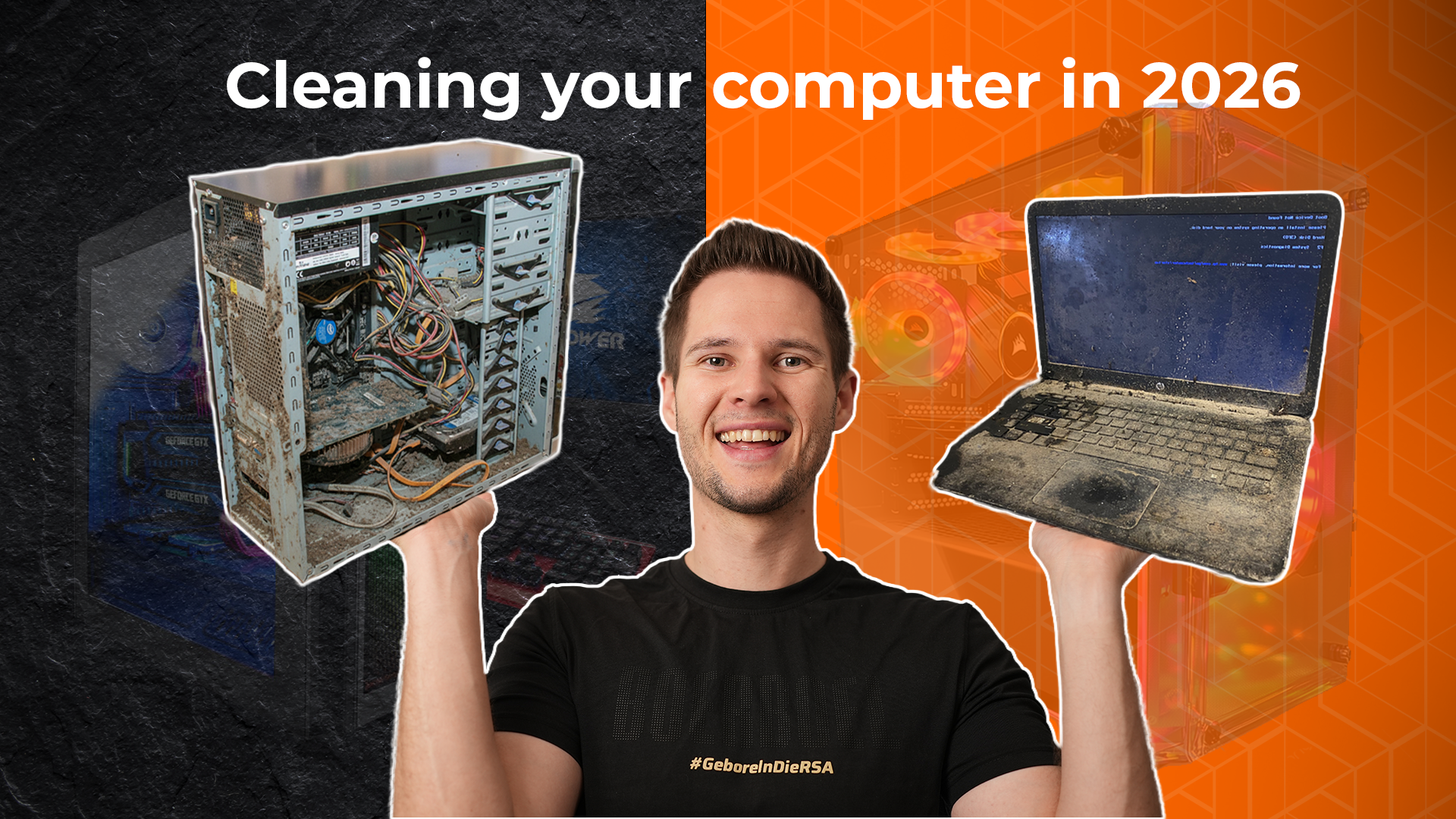

PC Cleaning in 2026 (And When Not To)
By Stefan @ WeDoTech
Let’s Clear the Dust First
PC Cleaning is one of those topics everyone thinks they understands, until they open their side panel and realise their PC has been slowly turning into a terrarium. In 2026, with higher-wattage CPUs, hotter GPUs, and cases designed around airflow rather than brute-force cooling, PC Cleaning matters more than ever.
The problem? Most people either clean their PC obsessively… or not at all. There’s very little middle ground. Some builders are cracking open their case every two weeks with compressed air like it’s routine maintenance on a race car. Others only think about PC Cleaning once dust becomes visible on Facebook Marketplace photos.
The truth sits somewhere in between, and it depends far more on where your PC lives than how powerful it is.
Why This Question Keeps Coming Up
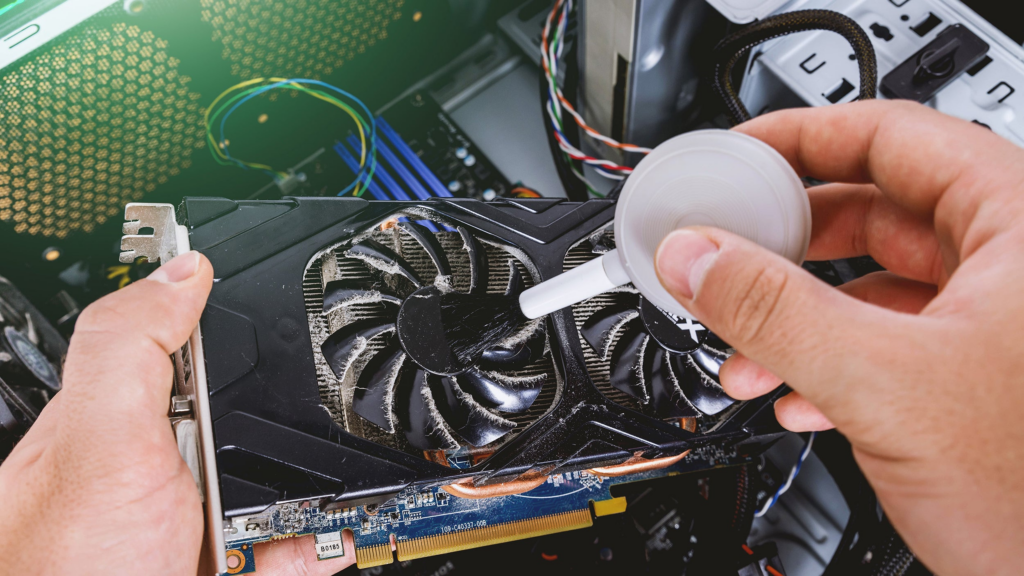
PC Cleaning didn’t used to be such a hot topic. Older systems ran cooler, drew less power, and cases weren’t designed with massive mesh intakes pulling air, and dust, from every direction.
In 2026, most modern cases rely heavily on unrestricted airflow. That’s great for thermals, but it also means dust buildup is inevitable. Fans don’t discriminate. If air can get in, so can pet hair, carpet fibres, and whatever else is floating around your room.
Despite this, most users delay PC Cleaning far longer than they should. Dust usually becomes visible after roughly two months of consistent use, yet most people only clean their system around the four‑month mark, once airflow is already compromised.
The delay isn’t laziness. It’s uncertainty. Nobody wants to overdo it, and nobody wants to break something unnecessarily.
The Real Cleaning Intervals That Make Sense
Here’s the practical truth about PC Cleaning: there is no universal schedule.
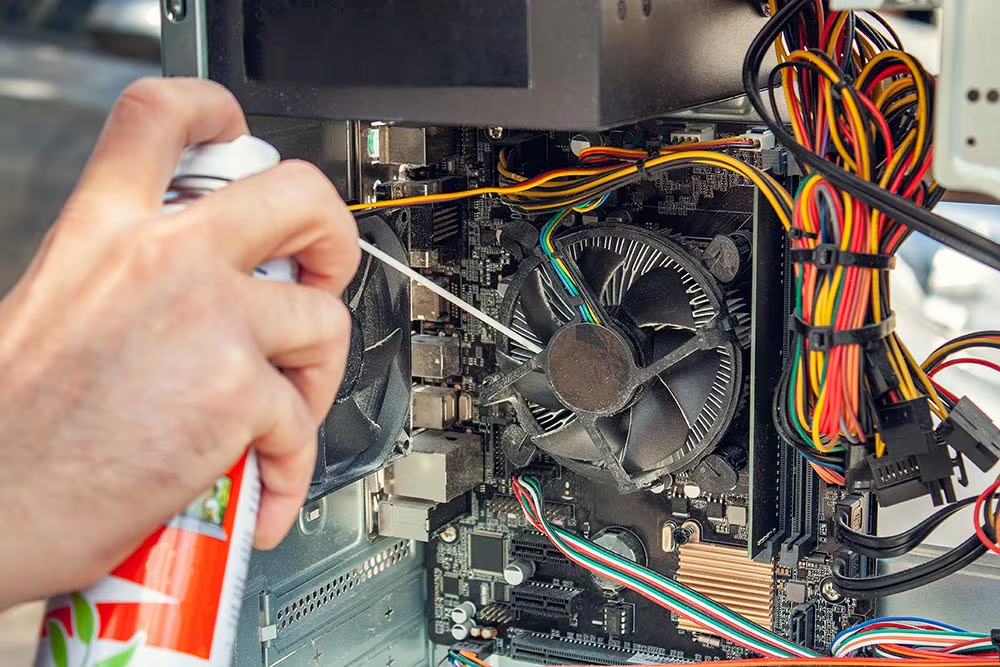
If your PC sits on a desk, in a relatively clean room, with no pets, you can comfortably clean it every three to four months. In this scenario, dust buildup happens slowly, and filters do most of the work.
If your PC lives on the floor, especially near carpet, that interval drops fast. Carpet acts like a dust factory. Add foot traffic, and your PC becomes an air purifier whether it wants to or not. In this case, PC Cleaning every one to two months is far more realistic.
Got pets? Congratulations, your PC is now part vacuum cleaner. Pet hair clings to fan blades, radiators, and mesh filters far more aggressively than regular dust. If you have shedding pets, monthly PC Cleaning saves you from much worse maintenance later.
The key idea: five minutes of cleaning one month’s dust is infinitely easier than dismantling half your system to remove four months of it.
What Actually Needs Cleaning (And What Doesn’t)
One of the biggest misconceptions about PC Cleaning is that it requires full disassembly. For most people, it doesn’t.
Your priority areas are simple:
- Dust filters
- Intake fans
- Exhaust fans
- GPU shroud and backplate
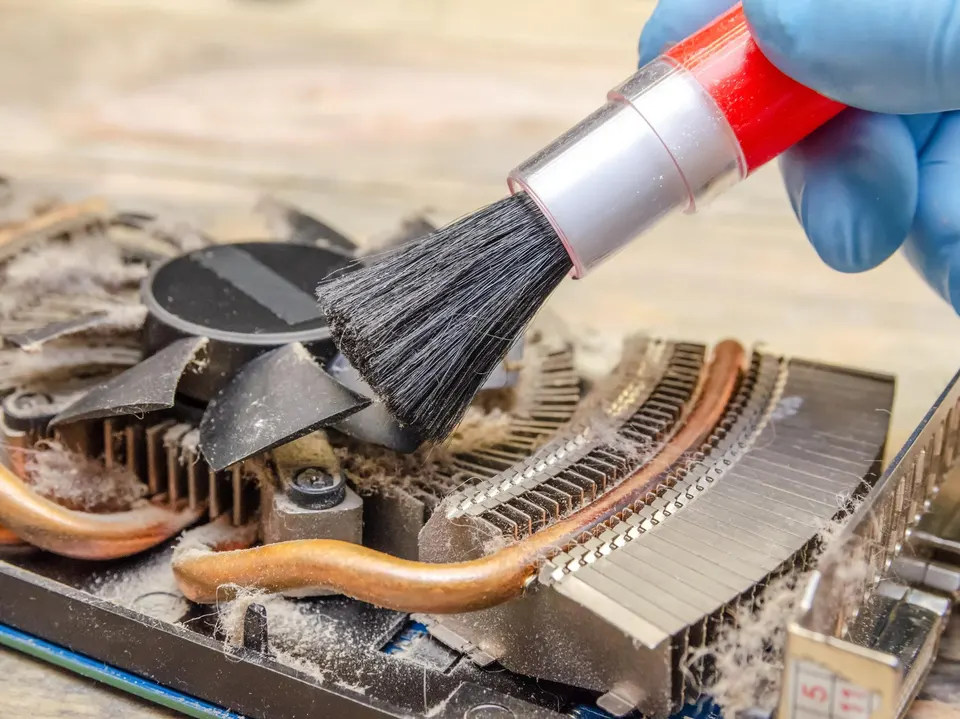
These areas collect the majority of debris and directly affect airflow. A quick pass with compressed air or a soft brush usually does the job.
Radiators and CPU coolers only need attention if you notice temperature increases or visible buildup. You don’t need to repaste your CPU every time you clean your PC, despite what some forum threads might suggest.
Cable management also plays a role. Messy cables trap dust and restrict airflow, turning minor buildup into a thermal problem over time.
Where People Go Wrong
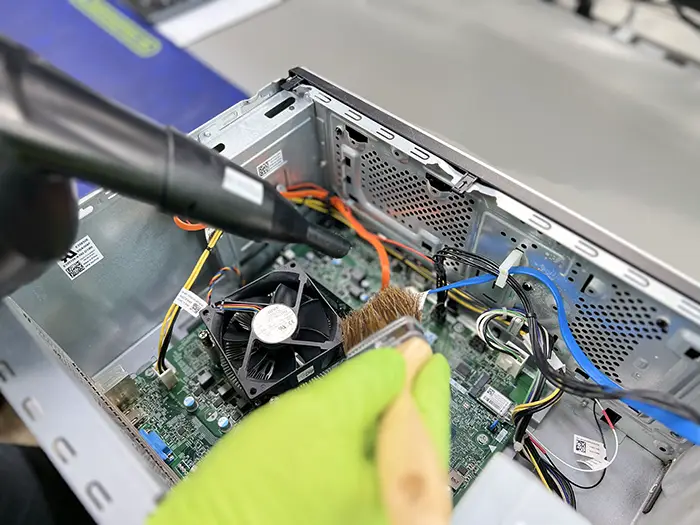
The most common PC Cleaning mistake is overdoing it. Constantly removing components increases the risk of connector wear, static discharge, or accidental damage.
Another mistake is ignoring environment entirely. A spotless desk setup doesn’t matter if your PC is inhaling carpet dust all day. Cleaning frequency should match placement, not aesthetics.
And finally, waiting too long. By the time dust is visible through tempered glass, airflow has already taken a hit. Fans spin faster, noise increases, and temperatures creep up, often without users noticing until performance drops.
How Different Users Handle It
Experienced builders approach PC Cleaning preventatively. They clean filters regularly, glance inside the case occasionally, and only do deep cleans when temperatures or noise change.
System integrators and prebuilts follow similar logic. They design airflow paths assuming periodic cleaning, not constant disassembly. That’s why even high-end prebuilts rely heavily on removable filters rather than sealed internals.
The difference isn’t knowledge, it’s restraint. Smart builders clean just enough to keep airflow consistent.
Clean Smart, Not Constantly
PC Cleaning in 2026 isn’t about schedules, it’s about awareness. Where your PC sits, how often it runs, and what kind of environment it lives in matter more than arbitrary timelines.
If you clean lightly and regularly, your PC stays quieter, cooler, and easier to upgrade. Leave it too long, and even simple maintenance becomes a chore.
So no, you don’t need to clean your PC every week. But you also shouldn’t wait until your fans start farming pet hair.
Clean when it makes sense, your future self will thank you. If you found this useful, checkout PC Mistakes to Avoid in 2026 When Building Your First Rig.