
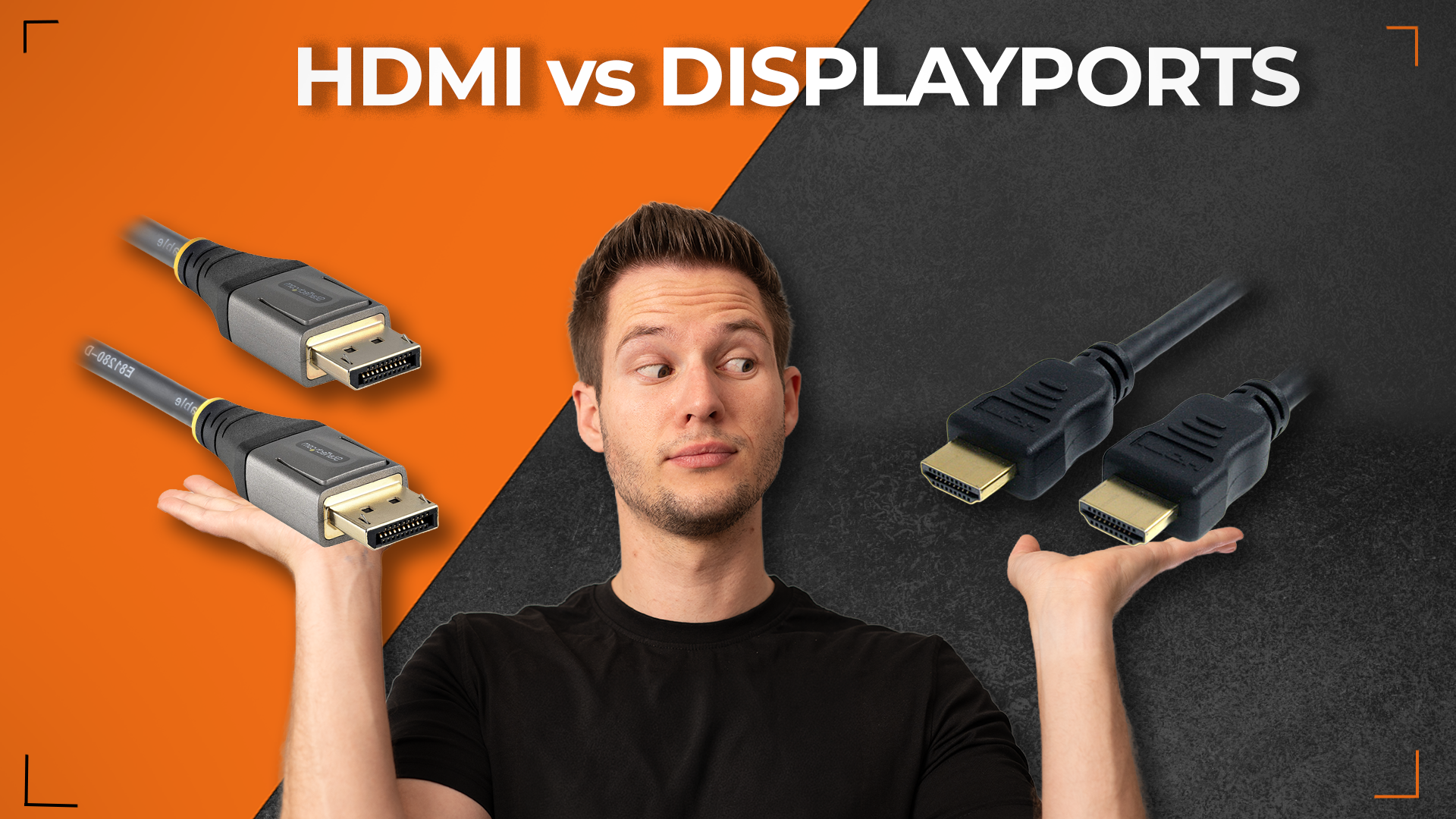

DisplayPort vs HDMI: Why Your GPU Has More Ports Than You Think
By Stefan @ WeDoTech
Your Graphics Card Is Trying to Tell You Something
Look at the back of almost any modern graphics card and you will notice the same pattern. Two, three, sometimes four DisplayPort outputs. One HDMI port, occasionally two. HDMI is the cable most people reach for first, the one that connects the TV, the console, the soundbar. So why does the card that handles all your gaming have so few of them?
The answer involves licensing fees, bandwidth ceilings, and a fundamental difference in what these two standards were actually designed to do. Once you understand it, the port layout on your GPU stops looking like an oversight and starts making complete sense.
The Money Reason Nobody Talks About
Start with the most straightforward explanation: DisplayPort is royalty-free.
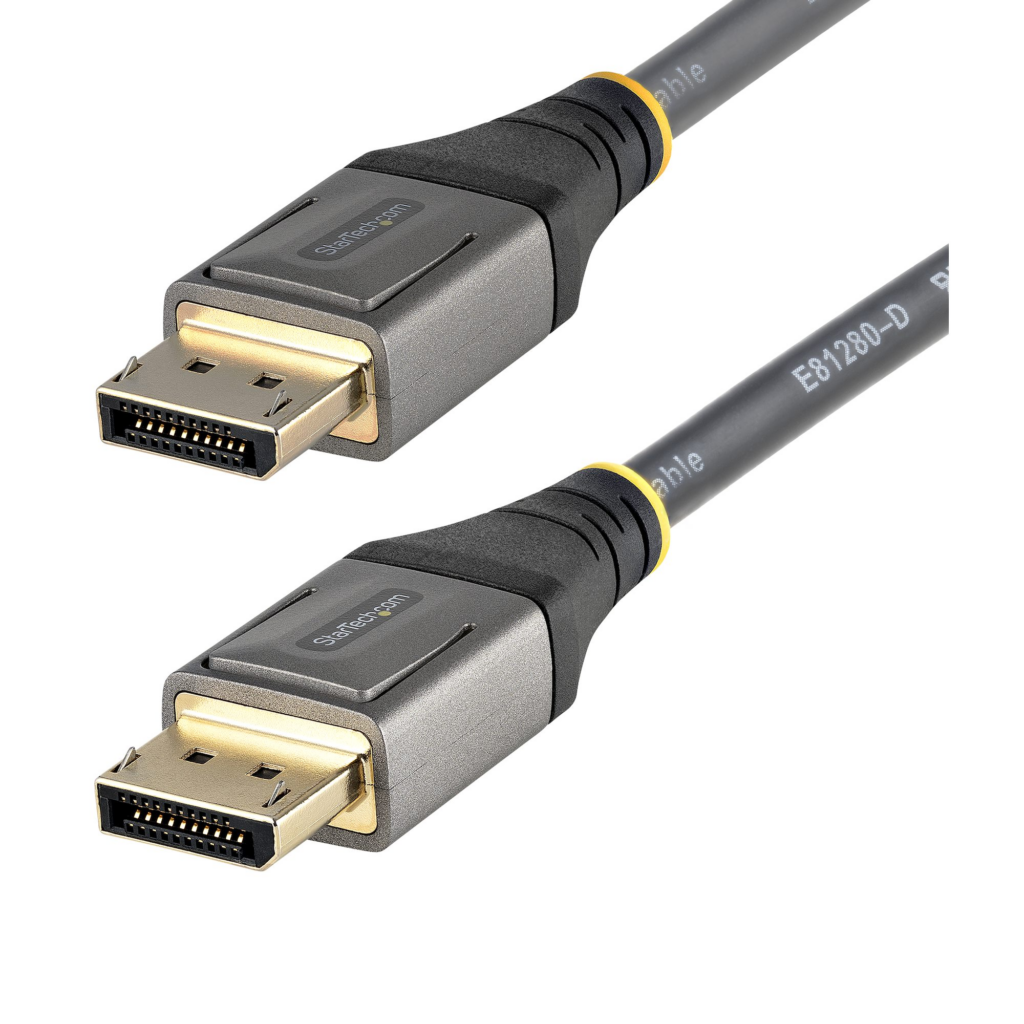
Every manufacturer that includes an HDMI port on a product pays a licensing fee to the HDMI Forum for the privilege. It is not a massive cost per unit, but across millions of graphics cards, monitors, and devices, it adds up. DisplayPort, developed by VESA and released in 2006 specifically to connect computers to monitors, carries no per-port licensing cost. For GPU manufacturers adding three or four display outputs to a single card, choosing DP over HDMI where possible is simply cheaper engineering.
This is why budget graphics cards with tight margins lean even harder toward DisplayPort, and why the single HDMI port that does appear is typically there for one reason: TV and console compatibility. HDMI is universal in the living room. DisplayPort is universal on the desk. The GPU is hedging both directions with its port selection.
Where DisplayPort Actually Pulls Ahead
The cost argument explains the ratio. The technical argument explains why that ratio makes sense beyond just saving money.
DisplayPort 2.1 with UHBR20 delivers 80 Gbps of raw bandwidth, enough for uncompressed 4K at 240Hz with 10-bit HDR, while HDMI 2.1 tops out at 48 Gbps and requires Display Stream Compression for the same mode. That bandwidth gap is the reason competitive gamers and enthusiasts building high-refresh setups consistently end up on DisplayPort rather than HDMI.
The compression point matters more than it might initially seem. DSC often adds a two to five second black screen during mode switches like Alt-Tabbing in exclusive fullscreen. It is not a visible image quality issue in most cases, but it is a friction point that disappears entirely when you have enough bandwidth to skip compression altogether. At 4K 240Hz, only DisplayPort 2.1 UHBR20 clears that bar without compression. HDMI 2.1 cannot.
Worth noting for anyone buying cables: not all DisplayPort 2.1 ports are equal. They are divided into three tiers: UHBR10 at 40 Gbps, UHBR13.5 at 54 Gbps, and UHBR20 at 80 Gbps. A cable or port labelled DisplayPort 2.1 without specifying the tier could be slower than HDMI 2.1. Always check the spec sheet rather than trusting the label.
The second major technical advantage is Multi-Stream Transport, or MST. DisplayPort allows you to daisy-chain multiple monitors through a single port, where the signal passes from one display to the next in sequence. HDMI has no equivalent. For multi-monitor setups where port real estate on the GPU is limited, MST is a practical feature that HDMI simply cannot replicate.
Where HDMI Still Wins
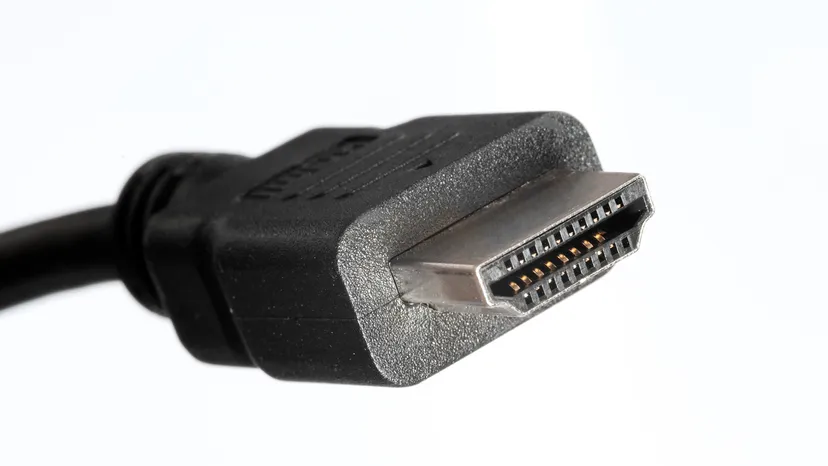
HDMI was designed for living rooms, not desks. It includes Consumer Electronics Control so a single remote can run your TV, soundbar, and Blu-ray player. It also has Audio Return Channel to send sound back down the same cable to a soundbar. None of that matters on a PC monitor, but it is exactly why every television, console, projector, and home theater receiver uses HDMI as its primary connection.
If you are connecting a PC to a television, HDMI is the correct choice. The TV almost certainly does not have a DisplayPort input, and the living room use case is exactly what HDMI was built for. The same applies to connecting to a projector, a conference room display, or any consumer AV equipment. HDMI is the right choice whenever the destination is a TV, projector, AV receiver, or game console.
There is also a new development worth noting. HDMI 2.2, announced in early 2025, doubles the HDMI 2.1 bandwidth ceiling to 96 Gbps, surpassing DisplayPort 2.1 in raw bandwidth capacity. HDMI 2.2 is not yet widely available in consumer hardware, but it signals that the bandwidth gap between the two standards will narrow over the next hardware generation.
The Adapter Problem Explained
Here is the practical point the script makes that is worth spelling out clearly.
If you are trying to connect a GPU's DisplayPort output to a monitor's HDMI input using an adapter, you are working against the signal flow. DisplayPort carries more information than HDMI can accept. A passive adapter in this direction does not work. An active adapter converts the signal, which works but adds cost and a potential point of failure.
The cleaner solution in almost every case is to use the correct cable for the correct port from the start. If your monitor has a DisplayPort input, use it. If your monitor only has HDMI, use the GPU's HDMI port. The mismatch that sends people hunting for adapters is almost always a monitor with limited inputs, not a GPU with the wrong outputs.
DisplayPort vs HDMI: Which Should You Use
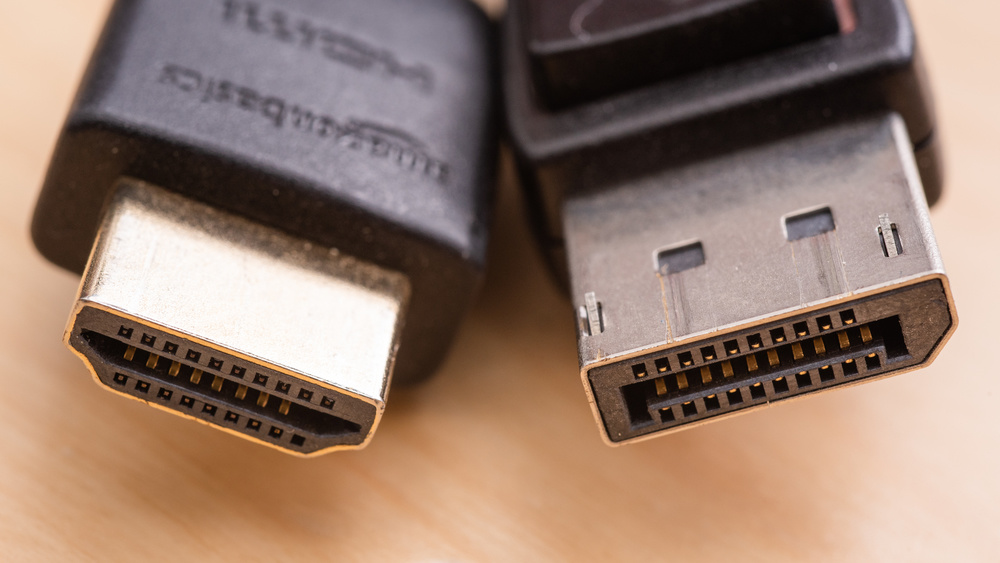
The best choice often is not either or. Many setups benefit from both standards serving different purposes. HDMI for entertainment and DisplayPort for professional work represents a common and effective approach.
For a gaming monitor at 1440p 144Hz or below, either standard works without compromise. At 4K 144Hz, both work but DisplayPort avoids compression. At 4K 240Hz, DisplayPort 2.1 UHBR20 is the only route to an uncompressed signal. For a television or any consumer AV device, HDMI is the only practical option. For daisy-chaining multiple monitors, DisplayPort with MST is the only option.
The GPU's port layout is not an accident or a cost-cutting shortcut. It reflects the reality that DisplayPort is the better standard for the workloads a GPU is primarily used for, at a lower cost to manufacture. The single HDMI port is there for the cases where HDMI is the right tool. The rest of the outputs are DisplayPort because, for desktop monitor use, DisplayPort earns them.
Final Thoughts
The next time you look at the back of a graphics card and wonder why there are three DisplayPort outputs and one HDMI, the answer is cost, bandwidth, and design intent working together rather than against each other. DisplayPort costs nothing to license, carries more bandwidth, supports daisy-chaining, and was built specifically for the computer-to-monitor connection that the GPU makes dozens of times a day.
HDMI is not inferior. It is just designed for a different room in the house.
If you are building a high-refresh gaming setup and want to understand whether your monitor or cable is the bottleneck, check out our Samsung QD-OLED Computex 2026 coverage, where the display technology pushing 4K 360Hz makes the DisplayPort 2.1 bandwidth advantage very tangible very quickly.