
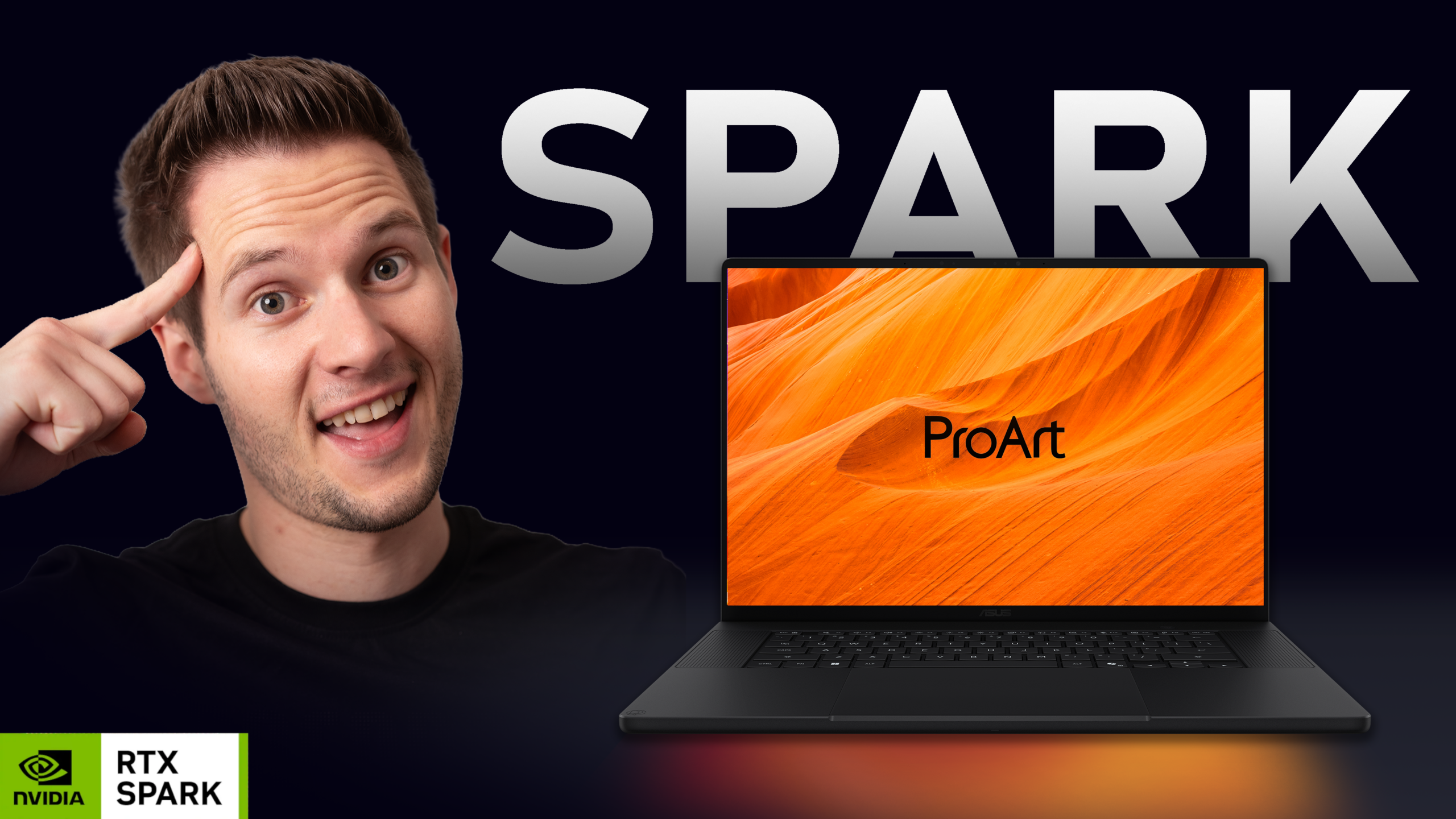

ASUS ProArt P14 Review: The First Windows Laptop That Earns a 10
By Stefan @ WeDoTech
For the First Time, a Windows Laptop Made Us Forget We Were on Windows
That is not a sentence that gets written lightly. The history of Windows creator laptops is full of products that came close, made bold promises in press releases, and then fell short somewhere in the daily reality of using them. The MacBook Pro has owned the creative professional laptop conversation for years not because Windows hardware is incapable but because the combination of display quality, build, trackpad, battery, and software polish has been consistently difficult to match in a single package.
The ASUS ProArt P14, powered by Nvidia's RTX Spark platform and available now starting at $2,599.99, is the first Windows laptop where that full-package argument collapses. Not because ASUS cut corners on any of the individual elements. Because they did not cut corners on any of them.
This is the first laptop on this channel to receive a 10 out of 10. Here is why that score is justified.

The Chip That Changes Everything
The RTX Spark superchip inside the ProArt P14 combines an Nvidia Blackwell RTX GPU with up to 6,144 CUDA cores and an Nvidia Grace CPU with up to 20 cores, fifth-generation Tensor Cores with FP4 support, and Nvidia NVLink-C2C interconnect technology.
What that means in practice: the CPU and GPU share the same memory pool rather than maintaining separate allocations that need to be copied between them. With up to 128GB of unified memory, this setup delivers up to 1 petaflop of FP4 AI performance and allows the laptops to run large language models with up to 120 billion parameters and a 1-million-token context window locally.
The base configuration ships with 24GB of unified memory and a 512GB SSD. The step-up configuration at $3,699.99 brings 48GB with a 1TB SSD. The flagship 128GB configuration is the ceiling for buyers whose workflows genuinely demand it. For most creative professionals, 24GB or 48GB will cover the majority of day-to-day workloads comfortably.
In real-world use, scrubbing a 12K timeline without being plugged in, running live viewport renders in Blender, and handling multi-camera 4K 10-bit editing all happen without the hesitation that has always defined the Windows laptop creative experience. The chip is not the bottleneck. For the first time on a portable Windows machine, that statement holds without qualification.

The Cooling System Nobody Else Thought Of
The ProArt P14 has one of the more clever thermal designs seen in a creator laptop, and understanding it requires knowing where to look.
The keyboard is not just a keyboard. ASUS has used vapor chamber cooling throughout, but the distinctive element is that air is actively drawn through the keyboard itself, pulled down into the processor from above rather than relying solely on side or bottom intake. This increases the total volume of cool air reaching the chip, allowing the RTX Spark platform to sustain performance under extended workloads without thermal throttling.
The obvious concern with keyboard-through cooling is debris. ASUS addressed this directly with a dust filter underneath the keyboard that catches particles before they reach the internals. The solution is practical rather than theoretical, which matters for a laptop being taken to shoots, studios, and anywhere else creative work actually happens.
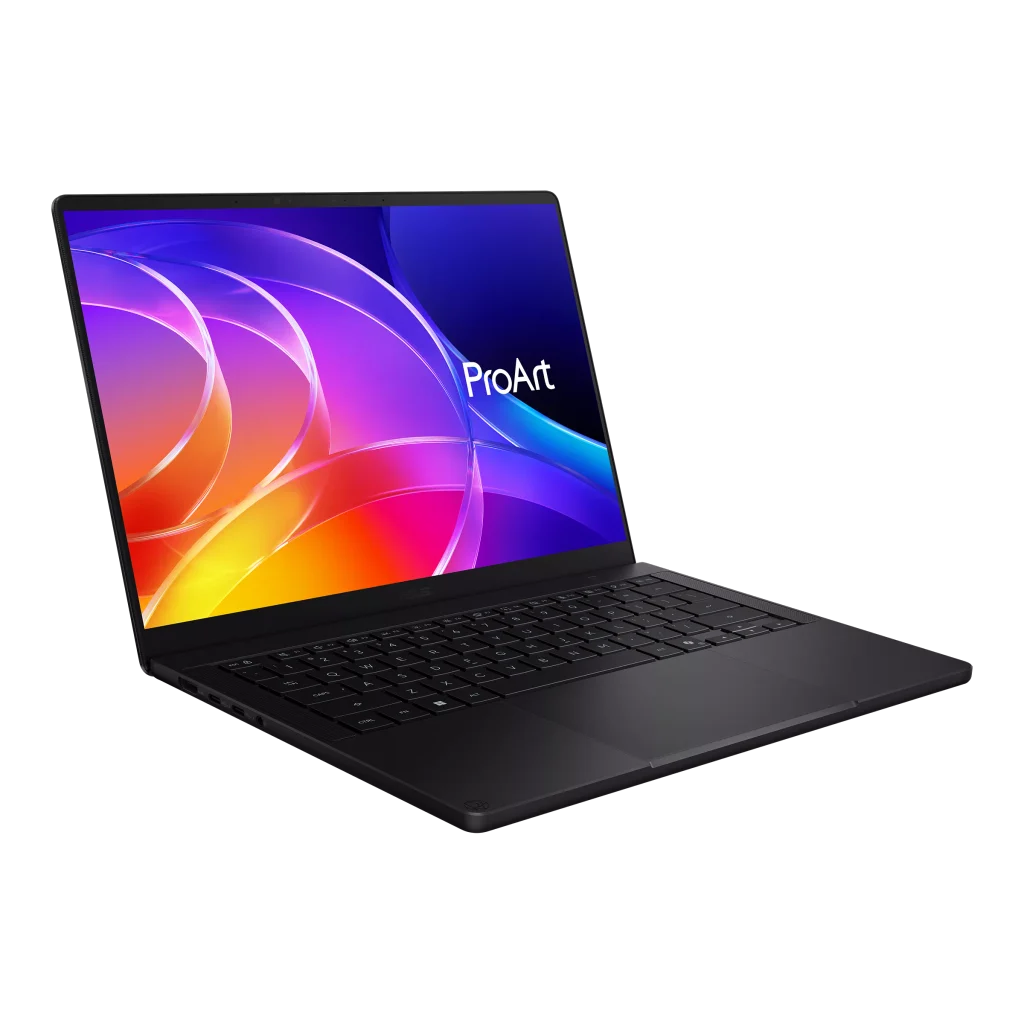
The result is a machine that at 13.9mm thick and 1.48kg stays quiet and cool in extended creative sessions in a way that no thin Windows laptop at this performance level has managed before.
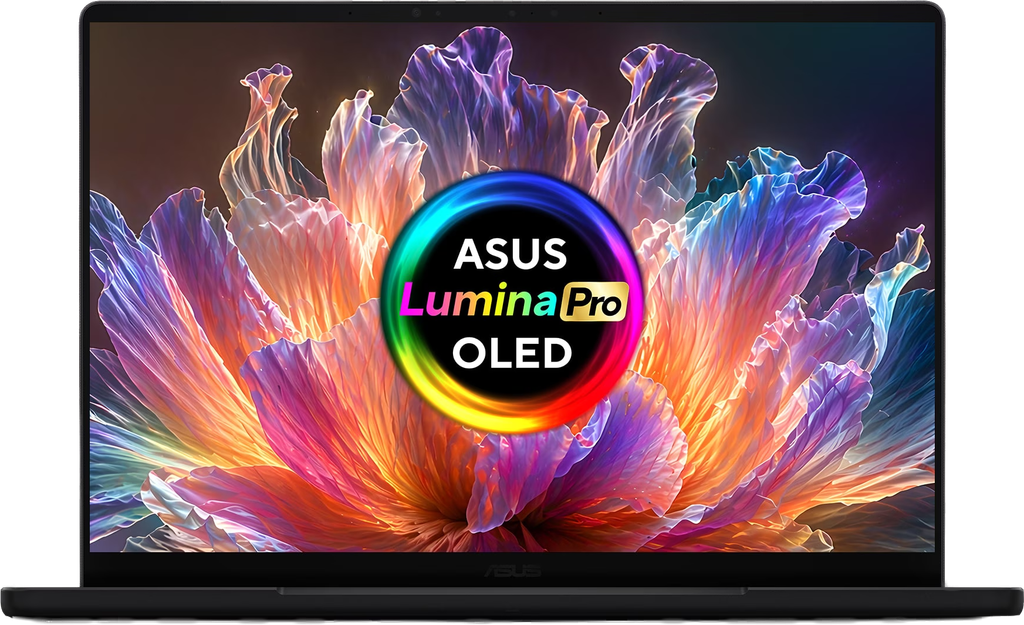
The Display Is the Reason Colour-Critical Work Is Finally Possible on Windows
The 14-inch 3K OLED touchscreen is a Panone-verified display with 100% DCI-P3 color gamut coverage and a Delta E of under one, meaning the variation between colors on screen and in real life is imperceptibly small. The ASUS Lumina Pro OLED panel runs at 120Hz variable refresh rate with up to 1,100 nits of peak HDR brightness and includes an anti-reflection coating that suppresses ambient light interference during color work.
For photographers, video editors, motion designers, and anyone whose output depends on trusting what the screen shows them, the Delta E under one certification is not a marketing claim. It is the technical threshold below which color inaccuracy becomes invisible to the human eye under standard viewing conditions. Combined with Panone verification, which involves physical measurement of the panel's color accuracy rather than manufacturer self-reporting, the ProArt P14's display is one you can trust without external calibration.
The P16 version steps up to a 4K panel at up to 1,600 nits of peak HDR brightness with Nvidia G-Sync support. ASUS kept pixel density similar between the 14-inch 3K and 16-inch 4K panels by scaling the resolution to the screen size, meaning both displays look effectively identical in sharpness per inch despite the resolution difference on paper.

Everything Else ASUS Got Right
The six-speaker stereo system with Dolby Atmos and a smart amplifier produces audio that sounds like nothing else in a Windows laptop at this price. Laptop speakers are almost universally the weakest link in creator-focused hardware. The ProArt P14 is the first Windows machine where the comparison to a MacBook's audio is not an exaggeration.
The haptic trackpad operates on the same principle as Apple's MacBook trackpad, using force sensing and vibration feedback to simulate a click without a physical moving surface. ASUS applied a slightly smoother surface coating than Apple uses, and the feedback intensity is adjustable through software. In daily use it is indistinguishable from the MacBook trackpad experience in terms of responsiveness and feel, which is a statement that no Windows laptop trackpad has earned before.
The port selection covers the complete creative workflow without adapters. On the left: full-size HDMI 2.1, two USB4 Type-C ports running at 40 Gbps, and a 3.5mm headphone jack. On the right: a third 40 Gbps USB4 Type-C port, a USB-A 3.2 port at 10 Gbps, and an SD 4.0 card reader. Wi-Fi 7 and Bluetooth 5.4 complete the connectivity picture. For a photographer or videographer working on location, the SD 4.0 reader alone is significant, delivering transfer speeds that make offloading large cards a task measured in seconds rather than minutes.
The 90Wh battery is split into two cells to comply with airline carry-on regulations, allowing travel without checking the laptop. A 140W GaN charger ships in the box with a braided USB-C cable.
The Honest Numbers
The ASUS ProArt P14 ranges from $2,600 to $6,500 depending on configuration. The base model at $2,599.99 with 24GB and 512GB SSD is the entry point for most buyers. The 48GB configuration at $3,699.99 is where professional video and 3D workflows will be most comfortable. The 128GB configuration is for AI developers and research-level workloads where the full memory capacity is a practical necessity.
Against the MacBook Pro M5 Max starting at $3,499, the ProArt P14 base configuration undercuts by $900 while offering RTX-class GPU compute, CUDA access, and broader Windows software compatibility. The MacBook Pro counters with Apple's mature ecosystem integration, macOS software optimization, and arguably superior sustained performance per watt. The ProArt P14 counters back with a display that matches it in color accuracy, a trackpad that matches it in feel, and audio that matches it in quality. At $2,599.99 versus $3,499, with comparable performance on creative workloads, the conversation has genuinely changed.

ProArt P14 vs MacBook Pro M5
This is the comparison that matters for creative professionals considering this machine. The MacBook Pro M5 brings years of software optimization, macOS ecosystem integration, and Apple's proven track record. The ProArt P14 brings RTX compute capabilities, CUDA and DLSS access, Windows software compatibility for tools unavailable on Mac, and a price advantage at comparable specification levels.
For video editors using DaVinci Resolve, motion designers using Cinema 4D, and AI developers running local models, the RTX Spark's GPU architecture offers capabilities that Apple Silicon's Metal framework does not replicate. For photographers in Lightroom, Final Cut editors, and anyone whose workflow runs cleanly on macOS, the ecosystem advantage offsets the hardware comparison.
The ProArt P14 is the first Windows laptop that makes the decision genuinely difficult rather than defaulting to Apple for professional creative work.
Final Thoughts
The ASUS ProArt P14 is not perfect. The base 24GB configuration will feel limiting in heavy 3D and AI workloads that will push buyers toward the $3,699.99 tier. The price ceiling of $6,500 for the 128GB configuration places it in territory that few professionals outside AI development and high-end production workflows can justify. And running on an ARM-based Windows platform means occasional software compatibility checks remain advisable for specialized professional applications.
What it is, is the most complete creator laptop ASUS has ever shipped, and the most complete creator laptop this channel has reviewed on Windows. The display earns the trust color-critical work requires. The trackpad earns the comparison to Apple. The audio earns the comparison to Apple. The performance on RTX Spark earns the comparison to Apple's silicon.
For the first time, that collection of earned comparisons exists in a single Windows machine.
For more on the RTX Spark platform that makes all of this possible, check out our full coverage of the Microsoft Surface Laptop Ultra, another machine that shows just how different this generation of Windows creator laptops feels compared to everything that came before it.