
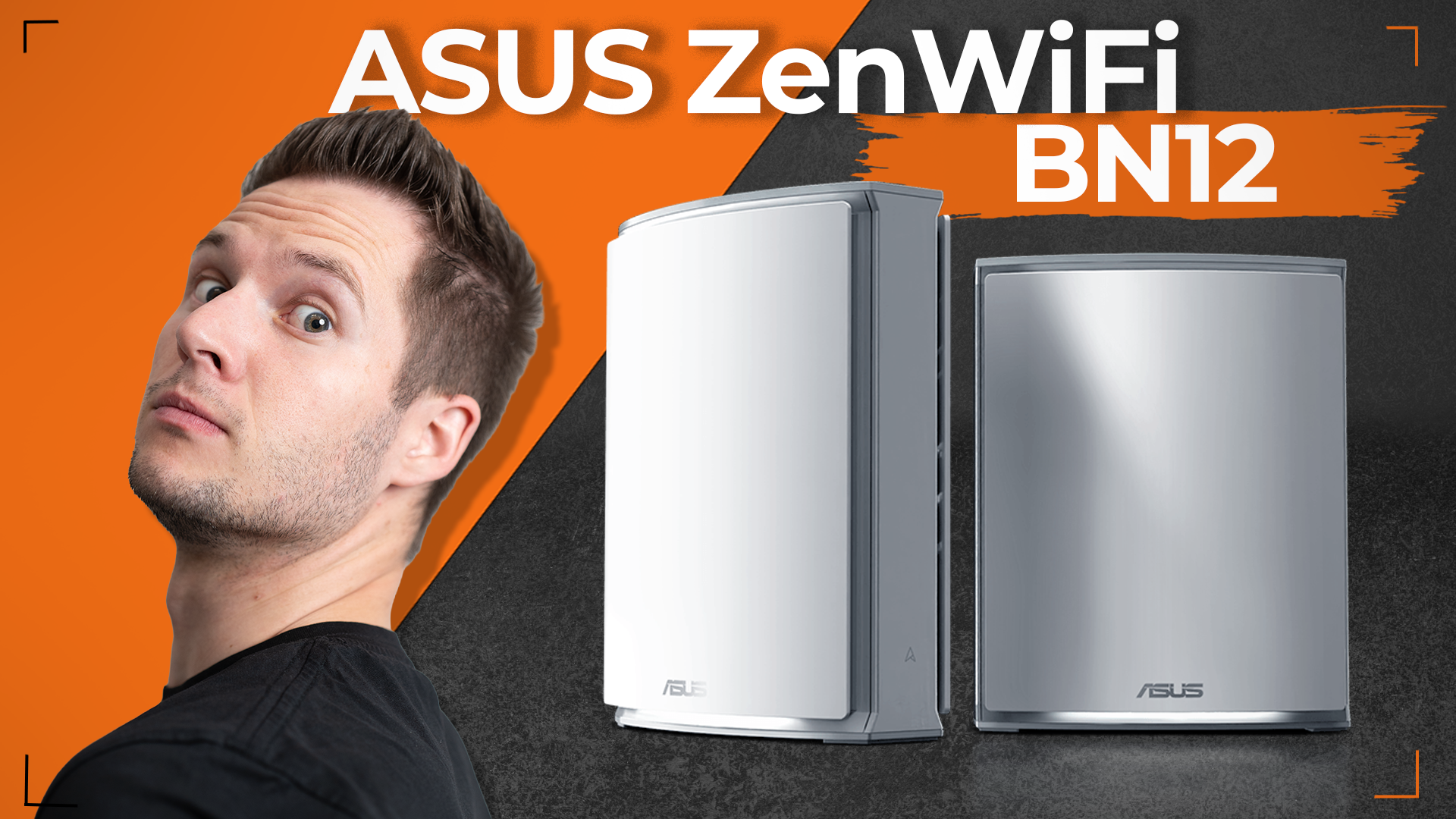

ZenWiFi BN12: Is Wi-Fi 8 Worth It If It Is Not Faster?
By Stefan @ WeDoTech
The first Wi-Fi 8 mesh system is here, and its big selling point is not speed. That is exactly why it is interesting.
Wi-Fi 8 is not faster than Wi-Fi 7. So why would anyone upgrade to the ASUS ZenWiFi BN12?
The short answer is reliability. ASUS calls the ZenWiFi BN12 the world’s first Wi-Fi 8 mesh system, and it is built around a standard designed to make wireless connections steadier, not to win speed tests. For homes packed with phones, laptops, consoles, TVs and smart devices, that might matter more than another jump in peak speed.
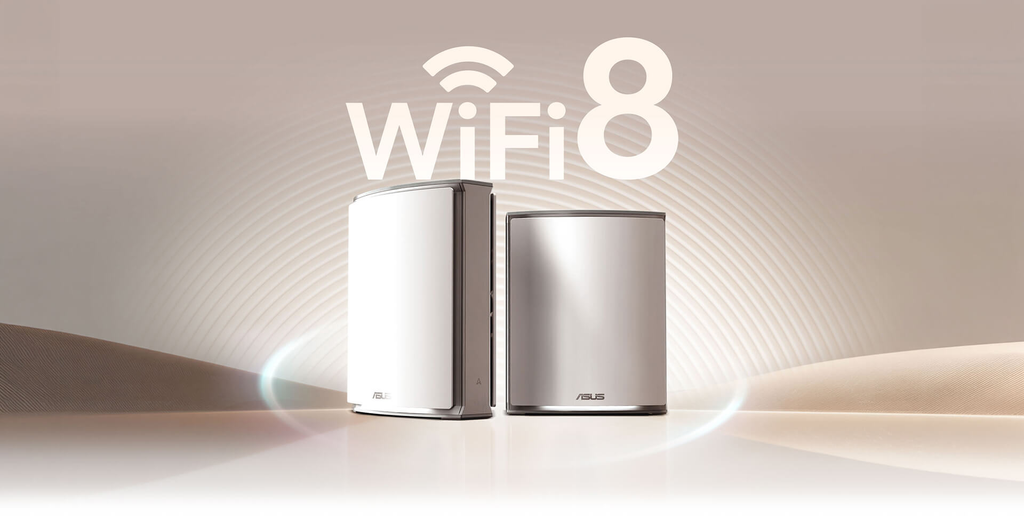
The First Wi-Fi 8 Mesh System Arrives
ASUS first showed the ZenWiFi BN12 at Computex in June and announced it was shipping in October. It is a tri-band mesh system covering the 2.4GHz, 5GHz and 6GHz bands, with a combined theoretical speed of up to 19Gbps.
There is an important detail here. Wi-Fi 8, formally IEEE 802.11bn, is not finished yet. The standard is still in draft form, with final approval expected around 2028 and certified products not expected until late 2027 at the earliest. That makes the ZenWiFi BN12 an early, pre-standard product. It is backward compatible with Wi-Fi 7, 6E, 6, 5 and 4 devices, so everything in your home will still connect.
What Wi-Fi 8 Actually Changes
Every Wi-Fi generation until now has been sold on a bigger top speed. Wi-Fi 8 breaks that pattern. Its official working name is Ultra High Reliability, and it keeps the same core building blocks as Wi-Fi 7: the same three bands, 4096-QAM and channels up to 320MHz.
Instead of chasing peak numbers, the IEEE set a different set of goals for Wi-Fi 8:
- Better weak-signal performance: 25% more throughput when the signal is poor, such as at the far end of your home
- Fewer lag spikes: a 25% reduction in worst-case latency, measured at the 95th percentile
- Less packet loss: 25% fewer lost packets, which matters for video calls and online gaming
- Smoother roaming: better handoffs as you move between rooms and access points
The core idea is coordination. When too many devices share a network, they interfere with each other. Wi-Fi 8 adds smarter ways for access points and devices to share airtime, so the network stays stable under load.
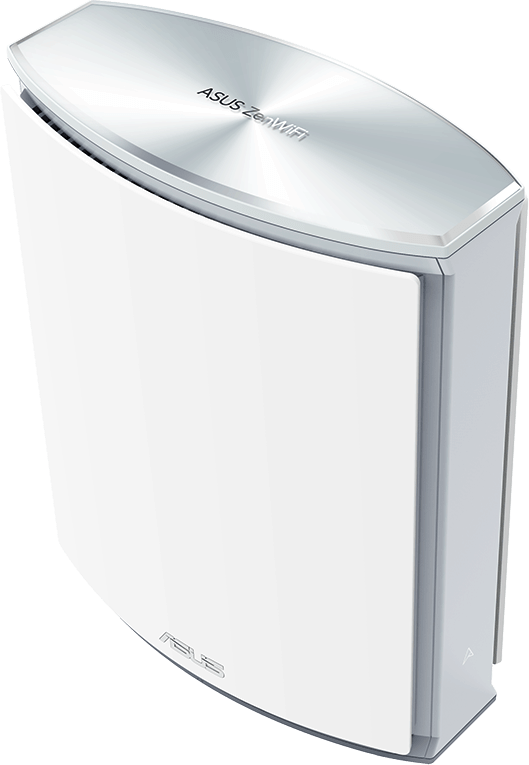
What the ZenWiFi BN12 Brings
Here are the key ZenWiFi BN12 specs ASUS has published:
- Wireless: tri-band Wi-Fi 8, up to 19Gbps combined (about 1,376Mbps on 2.4GHz, 5,764Mbps on 5GHz and 11,529Mbps on 6GHz)
- Wi-Fi 8 features: Multi-AP Coordination, new MCS rates, Unequal Modulation and Non-Primary Channel Access
- Ports: two 10Gb Ethernet ports and three 2.5Gb Ethernet ports
- Hardware: 2.6GHz quad-core processor, 2GB of RAM, eight internal antennas
- Coverage: up to 3,500 square feet for one unit and up to 7,000 square feet for a two-pack
- Extras: Smart AiMesh, 4G and 5G mobile tethering for backup internet, and ASUS’s network security tools
The feature that matters most on the ZenWiFi BN12 is Multi-AP Coordination. ASUS says it synchronizes the main router and its nodes so they work together instead of competing for airtime. In theory, that should mean a stronger, steadier connection further from the main router and smoother roaming between rooms.
Security is the other highlight. ASUS ZenWiFi systems have long included AiProtection Pro, powered by Trend Micro, with no subscription for the life of the device. In a market where many mesh brands offer a free trial and then charge monthly, that is a real advantage.
The Catch With Being First
Being first comes with trade-offs.
The biggest is that many of the ZenWiFi BN12’s Wi-Fi 8 benefits need Wi-Fi 8 devices on the other end. Almost nothing you own today supports the standard yet. Your phone, laptop and TV will connect using Wi-Fi 7 or older, so the full reliability gains will only arrive as Wi-Fi 8 devices reach the market over the next couple of years. Some benefits, such as coordination between the router and its mesh nodes, may help sooner, but that is based on ASUS’s claims rather than independent testing.
The second is that the standard is not final. Early products are built on draft specifications. Future firmware updates may fill in gaps, but there is no guarantee every feature will match the final standard exactly.
The third is price. Major US retailers had not posted listings at the time of writing. One US reseller lists the two-pack at $1,299.99 and a single unit at $699.99, so treat those figures as an early guide rather than official pricing. In the UK, the two-pack is listed at £999.98.
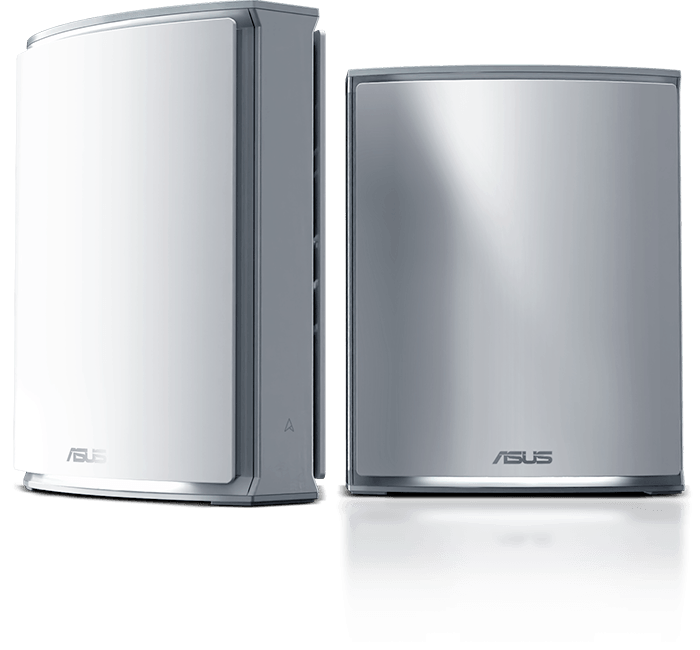
ZenWiFi BN12 vs ZenWiFi BT10
The fairest comparison is ASUS’s own Wi-Fi 7 flagship mesh, the ZenWiFi BT10.
- Standard: Wi-Fi 8 vs Wi-Fi 7
- Peak speed: up to 19Gbps vs up to 18Gbps
- Coverage (two-pack): up to 7,000 square feet vs up to 6,000 square feet
- Ports: two 10Gb plus three 2.5Gb vs two 10Gb plus one 1Gb
- Price (two-pack): $1,299.99 listed vs a $689.99 list price, often discounted well below that
The BT10 delivers nearly the same peak speed and covers most homes for roughly half the price. With Wi-Fi 8 devices still rare, it is the smarter buy for most people right now.
The ZenWiFi BN12 makes sense if you are building a network to last several years, have a large home packed with devices, or want the extra 2.5Gb ports. It is an investment in where Wi-Fi is going, not where it is today.
Our verdict: buy the BT10 for value today, and the ZenWiFi BN12 if you want to future-proof and can afford the premium.
Final Thoughts
The ZenWiFi BN12 is an interesting product because it focuses on what most people actually complain about: dropouts, lag spikes and weak signal in the far corners of the house. Wi-Fi 8 is built to fix those problems rather than add another big number to the box.
We are upgrading, mainly for reliability and the lifetime security included with ASUS’s ZenWiFi line. But our recommendation for most buyers is patience. Until Wi-Fi 8 phones and laptops are common, a good Wi-Fi 7 mesh will feel almost identical. One thing is clear either way: if your home has dead zones, a proper mesh system beats a cheap Wi-Fi extender, which typically cuts speeds and creates a separate, clunkier network.
For another explainer that cuts through spec-sheet jargon, read SATA vs M.2 vs NVMe: The SSD Guide That Actually Makes Sense.